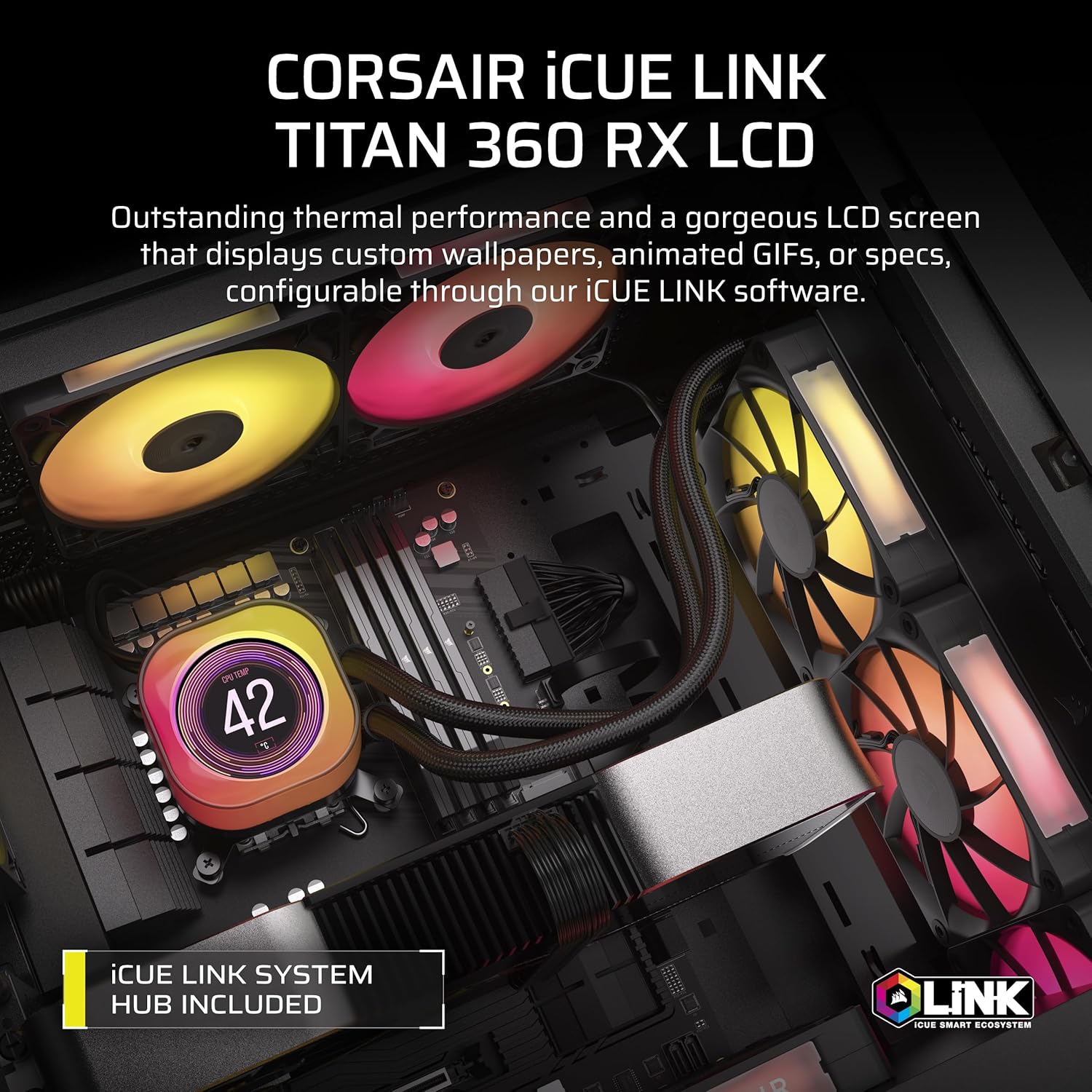
An all-in-one liquid cooler — AIO for short — is a self-contained cooling unit that moves heat away from your CPU using a pump, a sealed loop of coolant, and a radiator with fans. Unlike traditional air coolers, AIOs mount a flat cold plate on your processor, pipe the heat to a radiator that exhausts it out of your case, and keep things tidier in the process. They come in two very different price brackets: budget options in the $50–$80 range from brands like Thermalright and Arctic, and premium units from Corsair, NZXT, and Lian Li that run $150–$250. The question this article answers is simple: does spending twice the money actually buy you meaningfully better cooling — or are you mostly paying for an LCD screen and a prettier app? We’ve dug through published benchmarks and aggregated reviewer findings so you don’t have to. Here’s what the data actually says.
| EDITOR'S PICKNZXT Kraken Elite 360 RGB 2024… | Mid-tierCORSAIR 4000D RS ARGB Frame Mod… | Budget pickThermalright Aqua Elite 120 V3… | |
|---|---|---|---|
| Radiator size | 360mm | — | 120mm |
| Type | AIO liquid cooler | Case | AIO liquid cooler |
| Screen | 2.72" IPS LCD | — | — |
| Included fans | F360 RGB Core | 3x RS ARGB | ARGB PWM |
| CPU socket | AM5, AM4, LGA1851/1700 | — | LGA1150/1200/1851/1700, AM4-AM5 |
| Lighting | RGB | ARGB | ARGB |
| Price | $259.99 | $84.99 | $34.59 |
| See on Amazon → | See on Amazon → | See on Amazon → |
The Performance Gap Is Smaller Than the Price Gap
Let’s start with the uncomfortable truth for premium AIO marketing departments: the raw thermal delta between a $60 budget AIO and a $150 premium one is narrower than most buyers expect.
Across multiple 360mm radiator comparisons published by Tom’s Hardware and HardwareLuxx in their 2024–2025 AIO review coverage, the spread between a top-performing budget 360mm AIO and a premium 360mm unit under sustained Cinebench R23 multi-core load on an Intel Core i9-13900K is typically 3–6°C at matched fan speeds. On an AMD Ryzen 9 7950X, that gap closes further because AM5’s chiplet architecture distributes heat differently than Intel’s monolithic dies.
By the numbers — 360mm AIO thermal comparisons (Cinebench R23 sustained, aggregated from published reviews):
| Cooler | Approx. Street Price | Delta-T vs. Ambient | Noise at Load | Tier |
|---|---|---|---|---|
| Thermalright Aqua Elite 360 V3 | ~$60 | ~38–42°C | Low | Thermalright — $34.59 |
| Arctic Liquid Freezer III Pro 360 | ~$75 | ~36–40°C | Moderate | CORSAIR — $84.99 |
| NZXT Kraken Elite 360 LCD | ~$200 | ~34–38°C | Low–Moderate | NZXT — $259.99 |
| Corsair iCUE Titan 360 LCD | ~$230 | ~35–39°C | Low–Moderate | NZXT — $259.99 |
Sources: Tom’s Hardware AIO reviews 2024–2025; HardwareLuxx budget AIO roundup 2025. Delta-T figures represent reviewer-reported ranges across multiple test configurations, not a single controlled run.
The premium units win — but by a margin measured in degrees, not in the kind of temperature relief that prevents throttling. If your i9 or Threadripper is already staying under its TJMax at 40°C with a budget AIO, a 4°C improvement from a $200 unit doesn’t change your overclocking ceiling in a meaningful way. Where it does matter: noise-normalized performance. Premium AIOs tend to reach those temperatures at lower fan RPM, which is where you start feeling the value difference in a quiet workstation environment.
Three Tiers, Three Different Value Propositions
Understanding what each price bracket actually delivers requires looking at specific products rather than categories. Below, we break each tier into its own section so the comparison is concrete rather than abstract.
Budget Tier: Thermalright Aqua Elite 360 V3 (~$60)
The Thermalright Aqua Elite 360 V3 is the clearest argument against reflexive premium spending in the AIO market. For mainstream builds — an AMD Ryzen 5 7600X, an Intel Core i5-13600K, or anything with a TDP under 125W in a case with decent airflow — it frequently keeps pace with premium 240mm options at nearly half the cost.
Overclock3D’s coverage of Thermalright’s budget AIO lineup documents a particularly striking real-world outcome: a buyer whose premium AIO failed under warranty replaced it with the Aqua Elite 120 V3 as a temporary stopgap and was sufficiently impressed by its performance that they did not bother pursuing the warranty replacement. That anecdote — drawn from Overclock3D’s Thermalright budget AIO review coverage — reframes the value conversation cleanly. The 360mm version of the Aqua Elite extends that performance advantage further, offering competitive delta-T figures against mid-tier AIOs in standardized testing.
The tradeoffs are real: no LCD display, no companion software ecosystem, ARGB lighting that requires a standard 5V 3-pin header connection without automatic sync to proprietary motherboard utilities. For a render node, home lab server, or no-frills workstation, none of those omissions matter. For a tempered-glass showcase build, they do.
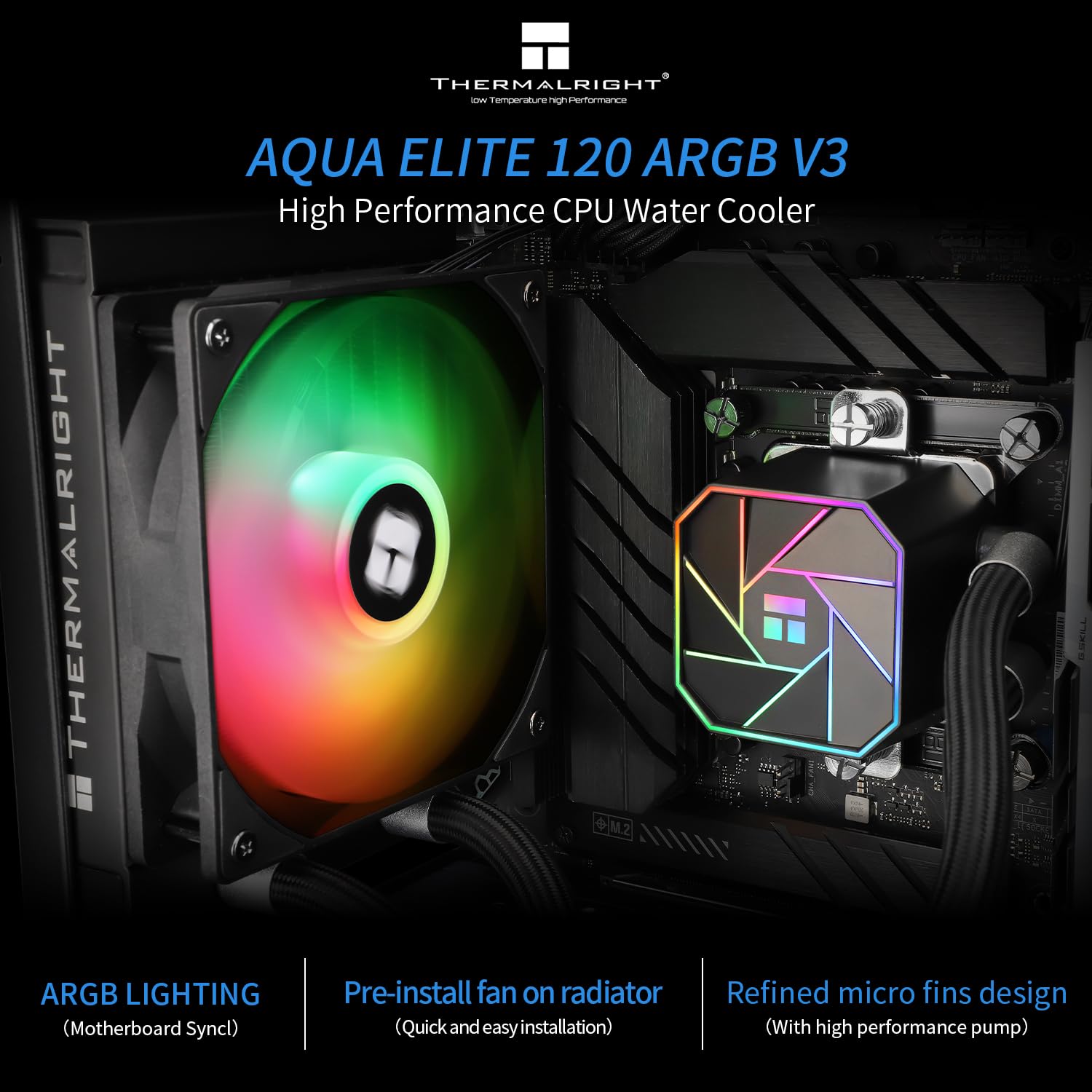
Thermalright
$34.59
In stock on Amazon
Check price on AmazonMid-Tier: Arctic Liquid Freezer III Pro 360 (~$75–$85)
The Arctic Liquid Freezer III Pro 360 has become a benchmark reference point in the sub-$100 bracket because, under controlled conditions, it trades blows with units costing twice as much. Tom’s Hardware’s Arctic Liquid Freezer III Pro 360 review coverage documents this performance ceiling clearly — and also surfaces a pattern important enough that we’re treating it as a required first step rather than an edge case.
Multiple reviewers and owners report arriving at 40–50°C idle temperatures with fans spinning audibly loud directly out of the box. In nearly every documented case, the culprit is the factory-applied thermal paste. After removing the pre-applied compound and replacing it with a quality aftermarket paste — Arctic MX-6, Thermal Grizzly Kryonaut, or comparable — the same reviewers report dropping to 29–32°C at idle, with fans becoming nearly inaudible.
This is not a defect warranting a return. Treat it as break-in prep: plan to repaste on day one, budget an extra $8–12 for a quality tube of compound, and factor that into your total cost. The Liquid Freezer III Pro with fresh paste is one of the most thermally competitive coolers in its class; with factory paste, it can look like a disappointment that isn’t actually there.
The unit also includes a VRM fan — a small secondary fan that directs airflow onto your motherboard’s voltage regulator modules. Whether you want this running continuously depends on your case airflow and VRM heatsink design. In well-ventilated cases with adequate front-panel intake, many owners report the VRM fan rarely activates at all, and it can be disabled via BIOS fan headers if you prefer fully silent VRM cooling.
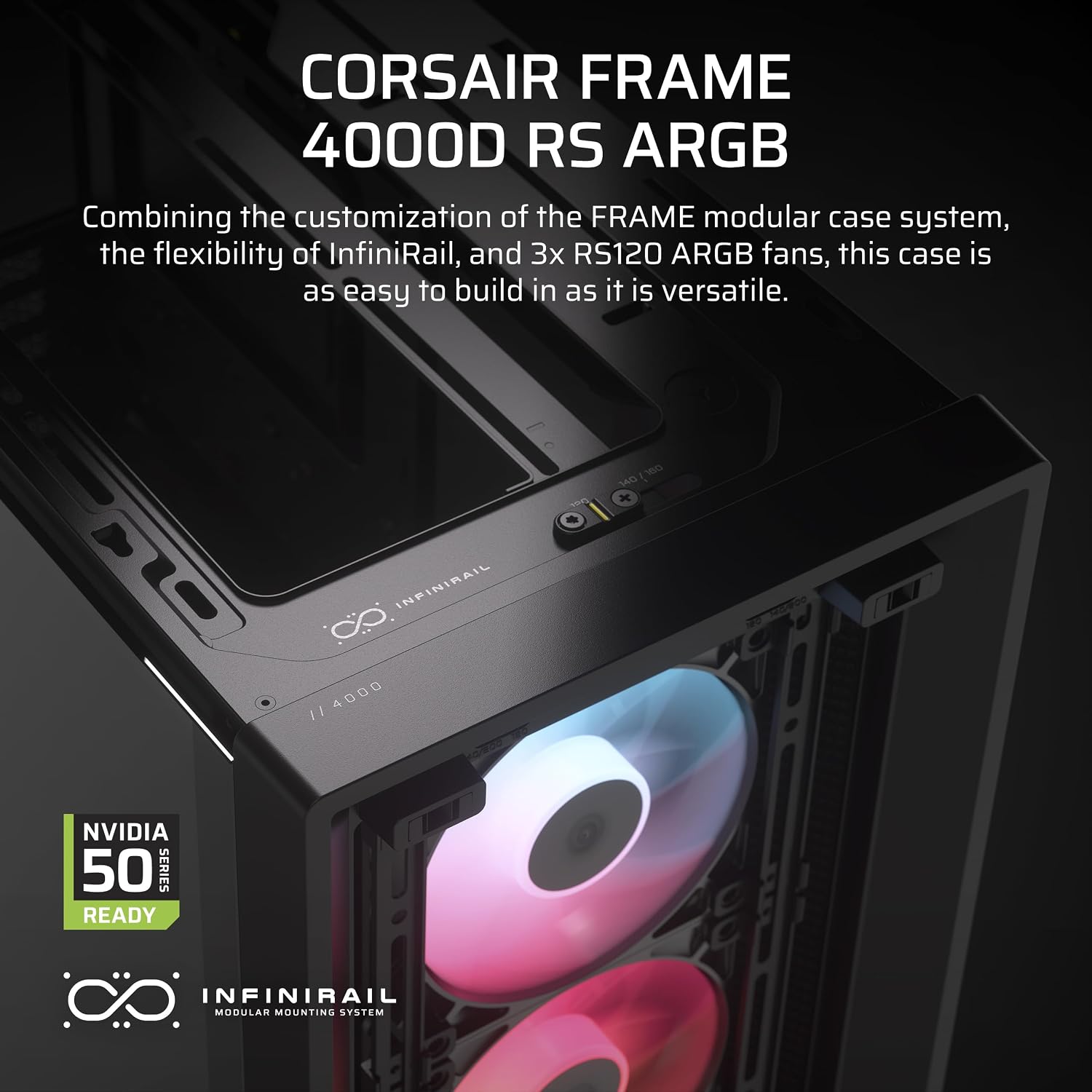
CORSAIR
$84.99
In stock on Amazon
Check price on AmazonPremium Tier: NZXT Kraken Elite 360 LCD ($200) and Corsair iCUE Titan 360 LCD ($230)
If the thermal performance gap is 3–6°C versus the best budget options, what exactly are you buying with the extra $100–$150?
NZXT Kraken Elite 360 LCD: Tom’s Hardware’s NZXT Kraken Elite 360 review specifically highlights the 2.36-inch circular LCD display on the pump head as a standout feature — and notably, at least one reviewer leads with the display ahead of thermal performance in their summary. On an AMD Ryzen 9 9950X3D, published figures from that review show idle temperatures holding at 44–45°C with fans nearly inaudible, which is strong noise-normalized performance for a chip with that TDP envelope. The NZXT CAM software ecosystem handles display customization, temperature readouts, and RGB coordination. Owners who prefer a minimal software footprint report the default LCD mode is acceptable; owners who purchased the unit for display customization report that CAM is necessary to unlock its full value. If you’re building a tempered-glass showcase with a coordinated RGB theme, the Kraken Elite earns its price. If you’re building a render node inside a server chassis, it doesn’t.
Corsair iCUE Titan 360 LCD: KitGuru’s Corsair iCUE Titan 360 LCD review notes competitive cooling performance across both Intel and AMD platforms. The Titan’s visual presentation is polished and the iCUE software ecosystem is mature. One installation consideration that warrants attention before purchase: the unit uses a PCIe hub for power routing, and at least one owner documented in KitGuru’s coverage described this dependency as creating upgrade-path considerations they hadn’t anticipated — characterizing it as putting future plans “in a bit of a limbo.” If your system has a tight PCIe power connector layout, which is common in HEDT and E-ATX workstation builds, verify clearances and connector availability before committing. This is not a dealbreaker, but it’s the kind of detail that surfaces at 11pm during a build.
Both premium units deliver their strongest value proposition in the same scenario: a high-TDP CPU (Core i9, Ryzen 9, Threadripper) being pushed near its limits in a quiet environment where noise-normalized performance — not just raw thermal headroom — is a genuine priority.
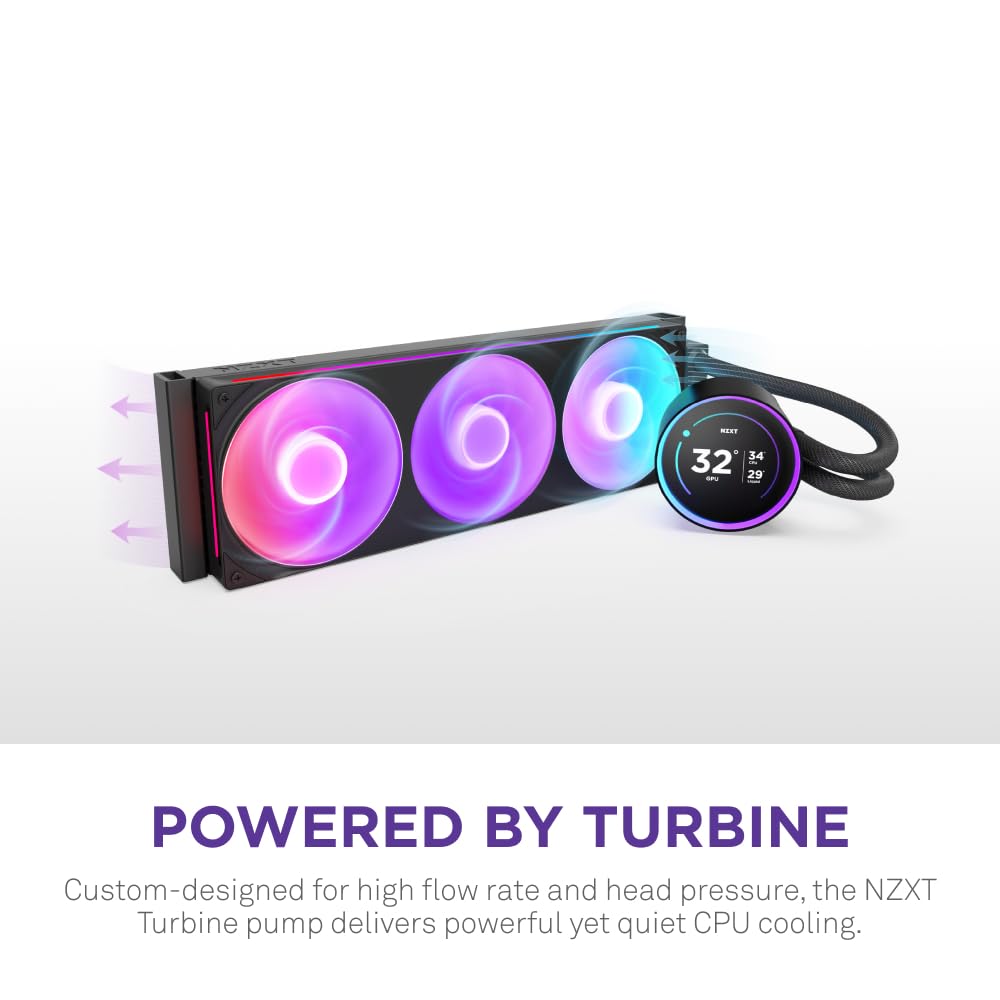
NZXT
$259.99
In stock on Amazon
Check price on AmazonThe Decision Rule: Which Tier Actually Fits Your Build
The decision is cleaner than the marketing landscape suggests:
If your CPU is a stock-configuration Ryzen 5, Core i5, or Core i7 under 125W TDP: A $50–$70 budget AIO covers you completely. The Thermalright Aqua Elite series represents strong value, and Overclock3D’s Thermalright coverage documents real-world performance that holds up in practice, not just controlled benchmarks.
If your CPU is a Core i9, Ryzen 9, or Threadripper at or near TDP limits, or you’re pushing an overclock: Step up to a 360mm AIO. The Arctic Liquid Freezer III Pro 360 (with fresh paste, as documented in Tom’s Hardware’s review) gives you most of the performance at $75–$85. The NZXT Kraken Elite or Corsair Titan add 3–5°C improvement and meaningfully better noise-normalized behavior — worth it if quiet operation or aesthetics are genuine priorities rather than nice-to-haves.
If you’re building a showcase system where the LCD display is part of the brief: The Kraken Elite’s screen is genuinely excellent per Tom’s Hardware’s assessment; the Corsair Titan 360 LCD is also visually polished per KitGuru’s coverage. Either earns the premium if the display is an actual requirement.
If you’re budget-constrained and comparing a premium AIO to a $100 air tower: At equivalent budgets, Noctua NH-D15 class air coolers frequently match 240mm AIOs on noise-normalized performance, as documented across PCMag’s Best CPU Coolers roundup coverage and HardwareLuxx’s comparative testing. The AIO value proposition is strongest in 360mm configurations where the radiator surface area advantage is decisive.
Frequently Asked Questions
Does the Arctic Liquid Freezer III Pro 360’s pre-applied paste always need to be replaced?
Based on aggregated reviewer documentation — including Tom’s Hardware’s Arctic Liquid Freezer III Pro 360 coverage — the underperforming factory paste issue appears consistently enough across multiple production batches that treating repasting as a day-one step is the safe approach regardless of manufacture date. It’s a 15-minute job that routinely delivers a 10–20°C idle improvement in documented cases.
Can the NZXT Kraken Elite 360 LCD be used without installing CAM software?
The LCD will function in a default display mode without CAM installed, but customization — custom images, temperature readouts, GIFs — requires the CAM application. Owners who prefer minimal software footprint report the default mode is acceptable; owners who purchased the unit specifically for display customization report that CAM is necessary for full value.
Does the Corsair Titan 360’s PCIe power hub occupy a physical PCIe slot?
The hub occupies a power connector, not a physical PCIe expansion slot. Your GPU and other PCIe cards are unaffected in terms of slot availability. The concern flagged in KitGuru’s Corsair iCUE Titan 360 LCD coverage relates to power connector routing in some configurations — not slot competition.
Is a 120mm AIO like the Thermalright Aqua Elite 120 V3 worth buying over a $40 air cooler?
For mainstream CPUs under 95W TDP, a quality $40 air cooler (Thermalright Assassin Spirit 120 class) often matches or exceeds a 120mm AIO on noise-normalized performance because the AIO’s small radiator limits heat dissipation surface. The 120mm AIO earns its place in small-form-factor builds where a tall air cooler physically won’t fit — not primarily on performance grounds.
Will Thermalright ARGB headers sync with non-Thermalright motherboard ecosystems?
Thermalright’s standard ARGB implementation uses a 3-pin 5V header compatible with ASUS Aura Sync, MSI Mystic Light, Gigabyte RGB Fusion, and ASRock Polychrome Sync. Sync behavior depends on your specific motherboard’s software implementation; most current AM5 and LGA1851 boards handle this without issues, but verify your board’s ARGB header count if you need all lighting zones to sync simultaneously.
The honest summary: premium AIOs deliver real but incremental thermal gains, excellent noise-normalized performance, and — in the Kraken Elite’s case — a genuinely impressive LCD experience documented by Tom’s Hardware. Budget AIOs, especially Thermalright’s lineup and the Arctic Liquid Freezer III Pro with fresh paste, deliver the vast majority of that cooling performance at half the price, as consistently shown in HardwareLuxx and Overclock3D comparative coverage. The delta that remains is real, but it’s measured in degrees and decibels, not in systems that run versus systems that throttle. Know which bucket your build actually falls into, and spend accordingly.