If you’ve ever shopped for a CPU cooler — the component that sits on top of your processor and keeps it from overheating — you’ve probably hit a fork in the road: a big tower of metal fins and fans (called an air cooler) versus a sealed pump-and-radiator system (called an AIO, short for all-in-one liquid cooler). Both do the same job. They pull heat away from your CPU and dump it into your case’s airflow. The question is which one does it better, and whether the answer changes when you start comparing premium-tier products. That’s exactly what this article is about. We’re going to lay out what published benchmark data says when you put two flagship air coolers — the Noctua NH-D15 G2 and the be quiet! Dark Rock Pro 5 — up against a sub-$100 AIO, and give you a clear decision rule so you can stop second-guessing your cart.
At their price points, all three coolers are serious hardware. The NH-D15 G2 and Dark Rock Pro 5 both retail in the $100–$130 range. The Corsair H100i RGB Elite (a 240mm AIO we’re using as our $95 comparison point) is a well-reviewed, mid-premium liquid cooler that frequently lands in the $85–$105 window depending on the sale cycle. The dollar gap between these options is often smaller than you’d think — which makes the performance comparison genuinely interesting.
What the Benchmark Data Actually Shows
Let’s get into specifics, because “flagship air cooler” is a phrase that gets thrown around loosely.
The Noctua NH-D15 G2
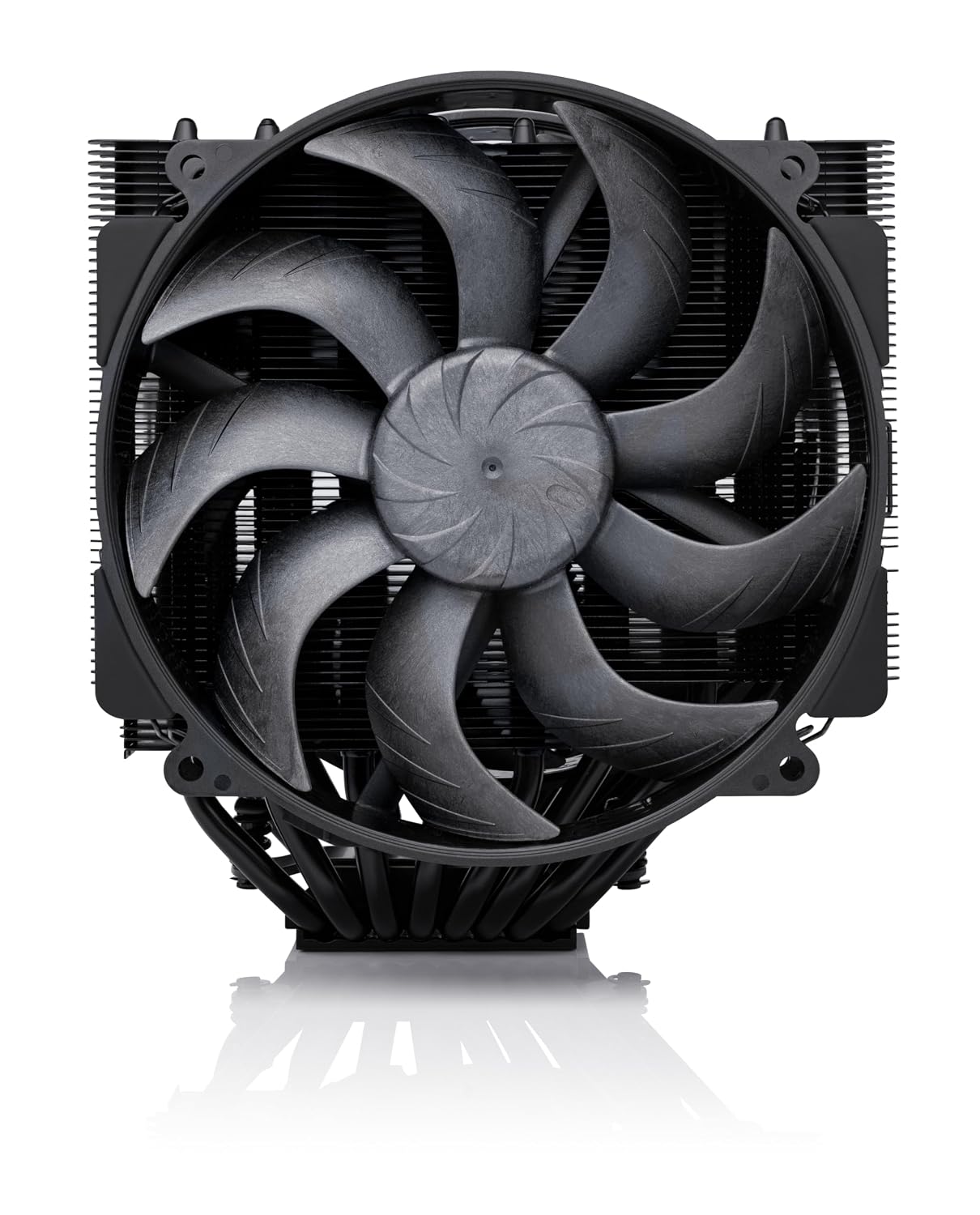
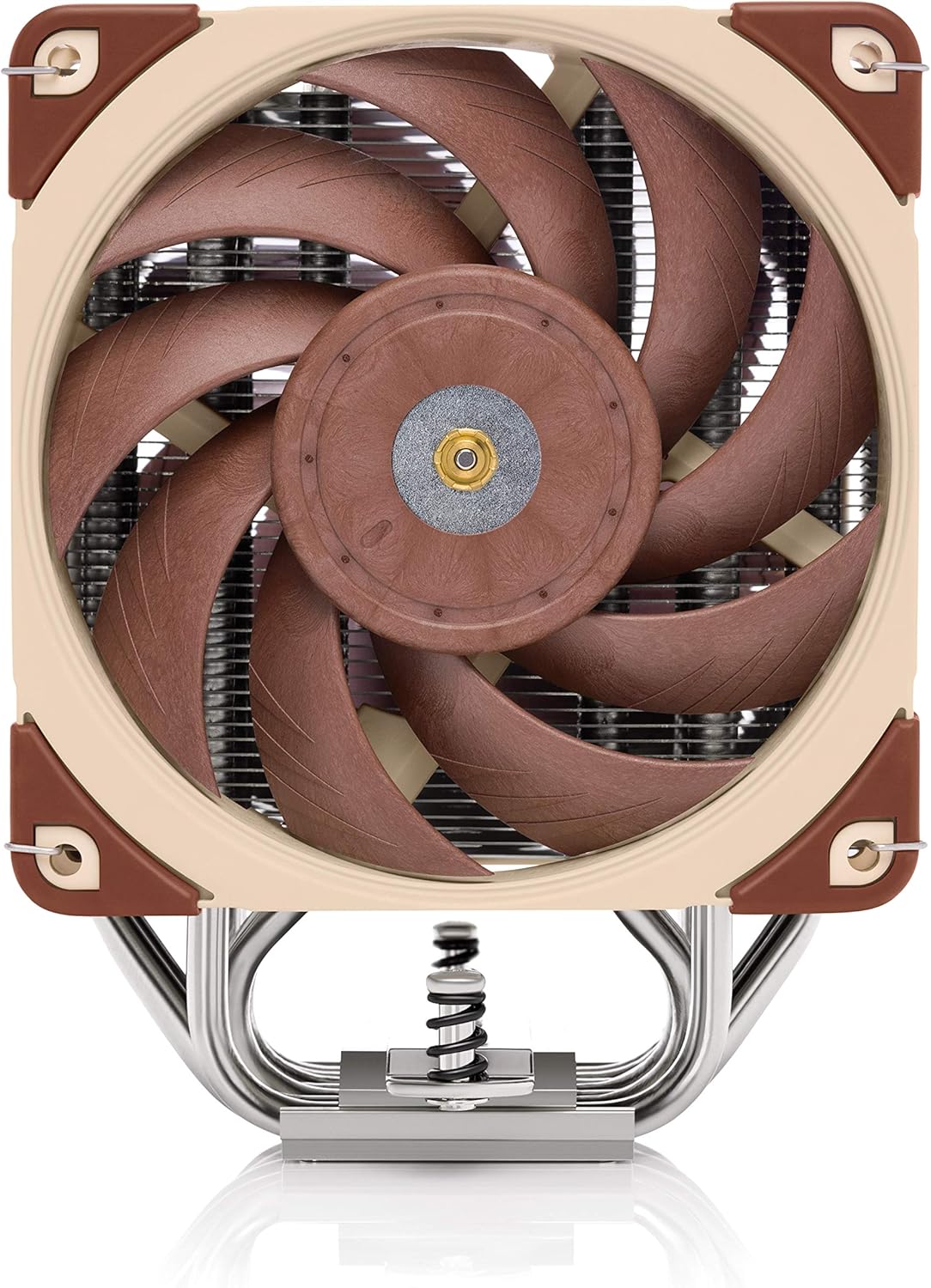
The Noctua NH-D15 G2, released in 2024, is a ground-up redesign of one of the most decorated coolers in PC building history. Tom’s Hardware’s review of the NH-D15 G2 placed it at or within 1–2°C of 360mm AIOs priced at $150+ when running an Intel Core i9-14900K at sustained all-core loads — a processor with a 253W Package Power Tracking limit that genuinely stresses cooling solutions. Igor’s Lab’s thermal analysis of the NH-D15 G2 noted particularly strong results under LGA1851 (Intel Core Ultra 200 series) mounting, where the revised contact frame improves lid pressure distribution. That’s not a small engineering detail: better contact pressure means better heat transfer from chip to cooler, which is measurable in delta-T (the temperature difference between your CPU and ambient room air — lower is better).
Noctua
$119.95
In stock on Amazon
Check price on AmazonThe be quiet! Dark Rock Pro 5
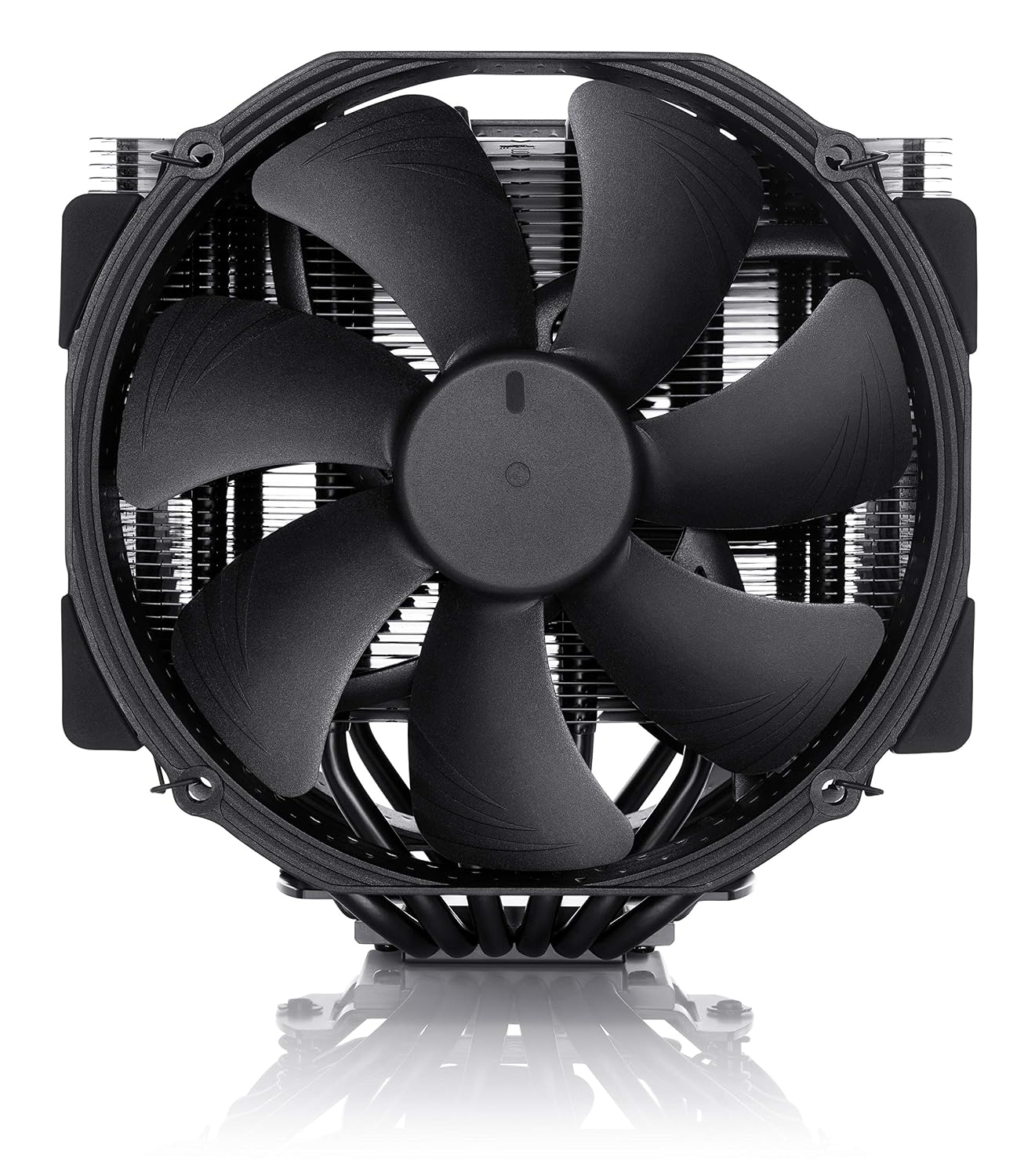
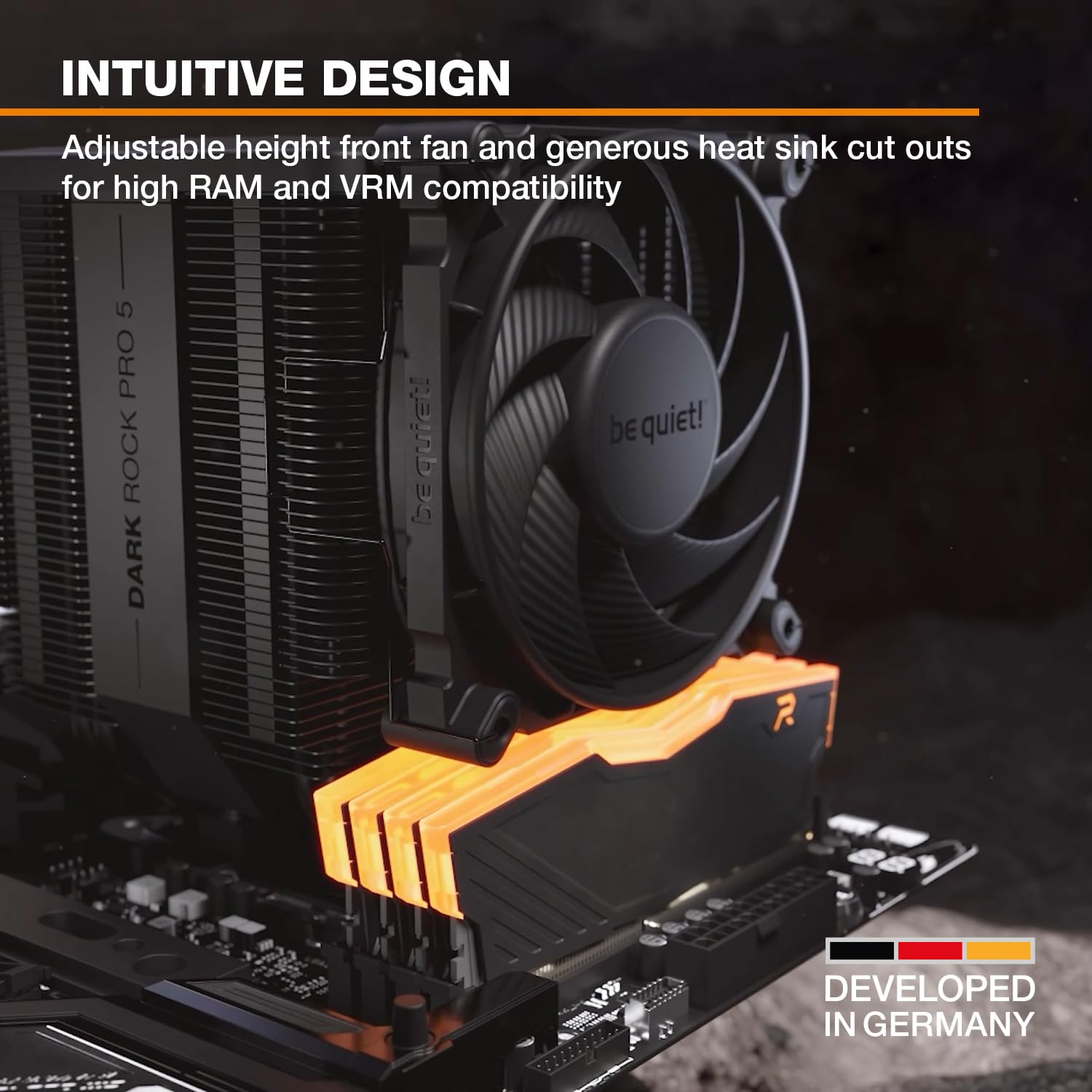
The be quiet! Dark Rock Pro 5 occupies a slightly different lane. It runs quieter at the same fan speeds by design — be quiet!‘s Silent Wings 135mm fans are spec’d for low noise output, and Tom’s Hardware’s review of the Dark Rock Pro 5 and HardwareLuxx’s air cooler comparison feature consistently highlight it as the pick when acoustics matter more than peak thermal headroom. Under the same i9-class sustained loads, it typically runs 2–4°C warmer than the NH-D15 G2 at matching fan RPM. At equivalent noise levels, however, that gap narrows — and in some scenarios the Dark Rock Pro 5 can run its fans slower to reach the same dBA reading, effectively matching or edging ahead on comfort in a quiet office environment.
Noctua
$109.95
In stock on Amazon
Check price on AmazonThe Corsair H100i RGB Elite (240mm AIO)
The Corsair H100i RGB Elite (240mm) is a capable but not exceptional AIO. KitGuru’s review of the H100i RGB Elite found it competitive with mid-tier air coolers and solid for CPUs in the 125–150W TDP range. Where it starts to trail is under sustained, high-power workloads on 200W+ CPUs — the 240mm radiator surface area simply can’t dissipate heat as quickly as the larger heatsink fin stacks on the NH-D15 G2 or the 280mm/360mm AIOs. PCMag’s best CPU coolers buying guide notes this pattern across the 240mm AIO category: these coolers are excellent value for mainstream CPUs but consistently lose ground to flagship air coolers and larger liquid coolers on high-TDP silicon.
be
$79.90
In stock on Amazon
Check price on AmazonPerformance at a Glance
| Cooler | Approx. Retail (May 2026) | Cooling Surface | Typical Delta-T (Core i9, sustained all-core) | Noise Profile |
|---|---|---|---|---|
| Noctua NH-D15 G2 | $109–$129 | Dual-tower, 6 heatpipes | ~28–32°C above ambient | Moderate (NF-A15 fans, ~23 dBA at 1500 RPM) |
| be quiet! Dark Rock Pro 5 | $99–$119 | Dual-tower, 7 heatpipes | ~30–35°C above ambient | Low (Silent Wings 135mm, ~21 dBA at 1400 RPM) |
| Corsair H100i RGB Elite 240mm | $85–$105 | 240mm radiator | ~35–42°C above ambient (i9-class) | Variable (pump + dual 120mm fans) |
Delta-T figures aggregated from Tom’s Hardware, Igor’s Lab, and HardwareLuxx reviews. Real-world results vary by case airflow, ambient temperature, and CPU thermal interface material.
Where the AIO Actually Wins
This wouldn’t be a fair comparison if we only focused on scenarios where air coolers shine. The H100i and 240mm AIOs as a category have real advantages — you just need to know when they apply.
Case clearance. A dual-tower air cooler like the NH-D15 G2 is physically massive — around 168mm tall. That clears most mid-tower and full-tower cases, but it can conflict with RAM slots (check your motherboard’s clearance spec), tall RAM with RGB heatspreaders, or compact ATX cases with tight CPU-to-side-panel clearances. An AIO moves the radiator to the top or front of your case, which sidesteps those conflicts entirely. If you’re building in a compact mid-tower with tight CPU area clearances, the AIO’s physical flexibility matters.
Mainstream CPU workloads. For mainstream CPUs — think an AMD Ryzen 7 9700X or Intel Core i5-13600K — a 240mm AIO is more than sufficient and often overkill. You’re not hitting 200W sustained, so the thermal headroom difference between a 240mm AIO and a flagship air cooler largely disappears. In these scenarios, the AIO’s slightly better short-burst thermal response (liquid has higher heat capacity than air, so it absorbs spikes faster) can actually help with workloads that alternate between light and heavy CPU usage.
Aesthetics and D-RGB ecosystems. If you’re building a showcase system with tempered glass and a coordinated RGB lighting theme, the Corsair H100i integrates with iCUE software for lighting control that a standard Noctua cooler (which comes in beige, or the chromax.black edition) simply doesn’t match. The be quiet! Dark Rock Pro 5 is striking in all-black, but it is not an RGB product. For design-forward builders, this is a legitimate decision factor, not a superficial one.
The Case for Paying More for Air
Here’s the argument that gets undersold in most AIO vs. air comparisons: flagship air coolers have no failure modes that AIOs have.
An AIO has a pump. Pumps wear out — typically on a 5–7 year horizon, though pump failures can and do happen earlier, particularly in units that shipped with air bubbles in the loop or were mounted at angles that create pump cavitation. When a pump fails, your CPU thermals spike immediately. HardwareLuxx’s long-term AIO reliability coverage has documented this failure mode across multiple AIO brands over multi-year ownership periods, and it is a known risk category in the enthusiast community.
A dual-tower air cooler like the NH-D15 G2 or Dark Rock Pro 5 has no moving parts other than the fans. Fans fail slowly and predictably — you’ll hear them before they die. And if a fan does fail, a replacement 140mm fan costs $15–$25 and is a five-minute swap. The cooler itself will likely outlive your motherboard, your CPU, and potentially your entire platform generation.
For workstation builders, homelab operators, and anyone running sustained compute workloads where thermal reliability isn’t optional, this reliability argument carries real weight. PCMag’s best CPU coolers buying guide explicitly calls out AIO longevity as a consideration for long-term builds, recommending that buyers weigh pump lifespan against their expected system ownership horizon.
Compatibility: Don’t Skip This Step
Before you finalize either cooler, run through this quick checklist.
NH-D15 G2 specifics: Noctua ships the NH-D15 G2 with separate mounting kits for LGA1851 (Intel Core Ultra 200 series), LGA1700 (12th–14th gen Intel), and AM5. It does not use the same mounting hardware as the original NH-D15 — the G2’s offset mounting design for LGA1700 requires the correct kit. Tom’s Hardware’s NH-D15 G2 review flagged this as a potential confusion point for builders upgrading from an older Noctua tower. Double-check that you have the right kit before you’re wrist-deep in your build.
Dark Rock Pro 5: The screwdriver-accessible top design be quiet! introduced with this generation makes installation significantly easier than earlier Dark Rock Pro versions, which required removing fans mid-install to reach the mounting screws. It supports AM5 and LGA1700/1851 out of the box, and Tom’s Hardware’s Dark Rock Pro 5 review called the revised installation process a meaningful quality-of-life improvement.
H100i RGB Elite: AIO installation adds one more variable — radiator placement. A 240mm radiator fits in most ATX cases, but verify your case’s top or front radiator mounting spec before ordering. A 240mm top mount typically requires 45–55mm of clearance above the motherboard, which can conflict with tall memory kits. KitGuru’s H100i RGB Elite review noted that fan and radiator placement flexibility is one of the unit’s genuine strengths in larger enclosures.
The Decision Rule
If you’ve read this far, here’s the clean framework:
If your CPU is 150W TDP or below (Ryzen 7/9 mainstream, Core i5/i7 non-K, or any mid-range chip): a 240mm AIO at $85–$105 is fully adequate and gives you installation flexibility and aesthetic options. You are not leaving meaningful performance on the table, and the Corsair H100i RGB Elite is a reasonable choice in this bracket.
If your CPU is 150–200W+ (Core i9, Ryzen 9, Threadripper, or any unlocked/overclocked high-TDP chip): the NH-D15 G2 is the better pick in almost every thermal and reliability scenario. Tom’s Hardware and Igor’s Lab benchmark data consistently put it ahead of 240mm AIOs at this tier, often by 5–10°C under sustained load — and that margin protects your boost clocks and chip longevity.
If noise at idle is your primary constraint and you’re on a high-TDP CPU: the Dark Rock Pro 5 is worth serious consideration. The 2–4°C thermal penalty versus the NH-D15 G2 is acceptable if it lets you run fans at 400–600 RPM in lightly loaded states without audible fan noise. For a workstation that sits next to you all day, that acoustic profile matters more than raw peak cooling.
If you’re building in a compact case or running a showcase D-RGB build: the AIO’s installation flexibility and ecosystem integration are legitimate advantages. Consider stepping up to a 280mm or 360mm AIO if your budget allows — that’s where liquid cooling starts winning back the thermal ground it loses at 240mm.
If long-term reliability is a professional requirement: air coolers don’t have pumps. Full stop.
The NH-D15 G2 is our pick for high-TDP performance — it’s what aggregated benchmark data from Tom’s Hardware and Igor’s Lab consistently supports at this tier. The Dark Rock Pro 5 earns its place as the quietest dual-tower option available. And the H100i RGB Elite is a fine cooler for the right CPU and the right case — it just doesn’t beat the flagships at the sustained workloads they’re designed for.
Here’s where you can buy the Noctua NH-D15 G2 — and if you click through we may earn a small commission, which doesn’t change our pick:
And the be quiet! Dark Rock Pro 5:
And the Corsair H100i RGB Elite 240mm AIO: