Budget 120mm Fan Shootout: ARGB Performance Under $30
If you’re new to PC building, “120mm fan” refers to the standard square cooling fan — 120 millimeters on each side — that moves air through your case or across a radiator (the metal heat-exchanger in liquid cooling systems). ARGB stands for Addressable RGB, meaning each LED in the fan can be individually controlled for color and animation through your motherboard’s software. For $30 or less per fan, you can get genuine PWM control (speed adjusts automatically based on temperature, rather than running flat-out all the time), decent airflow, and a light show to match the rest of your build. The question is which one earns the slot in your system. In this article we break down four strong contenders — the Thermalright TL-C12C-S, the Thermalright TL-M12Q, the Arctic P12 Pro PST, and the Be Quiet! DARKROCK fan — examining what reviewers and owners consistently report, where the specs diverge, and what the real-world tradeoffs look like.
| EDITOR'S PICKARCTIC P12 Pro PST - 5 Pack - P… | Mid-tierThermalright TL-C12C-S X3 CPU F… | Budget pickARCTIC P12 Pro - Powerful Premi… | |
|---|---|---|---|
| Max speed | 3000 RPM | 1550 RPM | 3000 RPM |
| Pack quantity | 5 | 3 | 1 |
| ARGB | — | ✓ | — |
| Bearing | Fluid dynamic | S-FDB | Fluid dynamic |
| 0 RPM mode | ✓ | — | ✓ |
| Price | $27.49 | $10.38 | $8.49 |
| See on Amazon → | See on Amazon → | See on Amazon → |
The Contenders at a Glance
Before we get into individual deep-dives, here’s the summary data based on published manufacturer specs and aggregated review findings from Tom’s Hardware (“Best 120mm Fans for PC Cooling,” 2025), TechPowerUp’s fan specification database (2024), KitGuru’s Arctic P12 Pro PST review (2024), HardwareLuxx’s budget ARGB fan comparative overview (2025), and PCMag’s “Best PC Cooling Fans” guide (2025):
| Fan | Max RPM | Noise (rated) | Connector | ARGB |
|---|---|---|---|---|
| Thermalright TL-C12C-S | 1,550 RPM | ~25 dBA | 4-pin PWM | Yes |
| Thermalright TL-M12Q | 1,800 RPM | ~28 dBA | 4-pin PWM | Yes |
| Arctic P12 Pro PST | 3,000 RPM | ~34 dBA max | 4-pin PWM | Optional |
| Be Quiet! DARKROCK | 1,800 RPM | ~25 dBA | 3-pin DC | No ARGB |
That table already tells you a lot. The Arctic is the RPM monster; the DARKROCK is the silent specialist with a significant catch; the two Thermalrights sit in the practical middle. Let’s unpack each.
Individual Fan Reviews
Thermalright TL-C12C-S — The Validated Workhorse
Here’s something that carries real weight in enthusiast circles: the TL-C12C-S is the same fan bundled with Thermalright’s Peerless Assassin 120 SE, a cooler that Tom’s Hardware (“Best 120mm Fans for PC Cooling,” 2025) and TechPowerUp’s fan specification database (2024) have both flagged as one of the best-performing air coolers per dollar on the market. When a manufacturer uses the same fan in a flagship retail cooler, it’s a quiet endorsement of the unit’s baseline credibility. Reviewers who pick up the standalone fans consistently echo this, noting that you’re getting the Peerless Assassin fan without paying for the full cooler package — which is a practical way to standardize your whole airflow stack.
At a manufacturer-rated 1,550 RPM ceiling and approximately 25 dBA, the TL-C12C-S is not chasing max-airflow numbers. It’s optimized for the noise-normalized performance sweet spot that most intermediate builders actually care about — the point where thermal performance is good enough and acoustic output fades into room noise. TechPowerUp’s fan specification database shows competitive static pressure (useful for pushing air through radiator fins) alongside the modest RPM cap, which is a sensible balance for a fan spending most of its life at 50–70% duty cycle on a PWM curve.
The accessory story is genuinely useful. Thermalright includes per-fan ARGB and PWM splitter cables, so if you’re buying a three-pack you’re not fighting for motherboard headers immediately. HardwareLuxx’s budget ARGB fan comparative overview (2025) called this out as a practical detail that budget competitors often skip.
Our take: If you want a proven, low-noise, set-it-and-forget-it ARGB 120mm fan for case intake or a mid-range air cooler, the TL-C12C-S is the safest pick in this roundup.
ARCTIC
$8.49
In stock on Amazon
Check price on AmazonThermalright TL-M12Q — The Infinity Mirror Wild Card
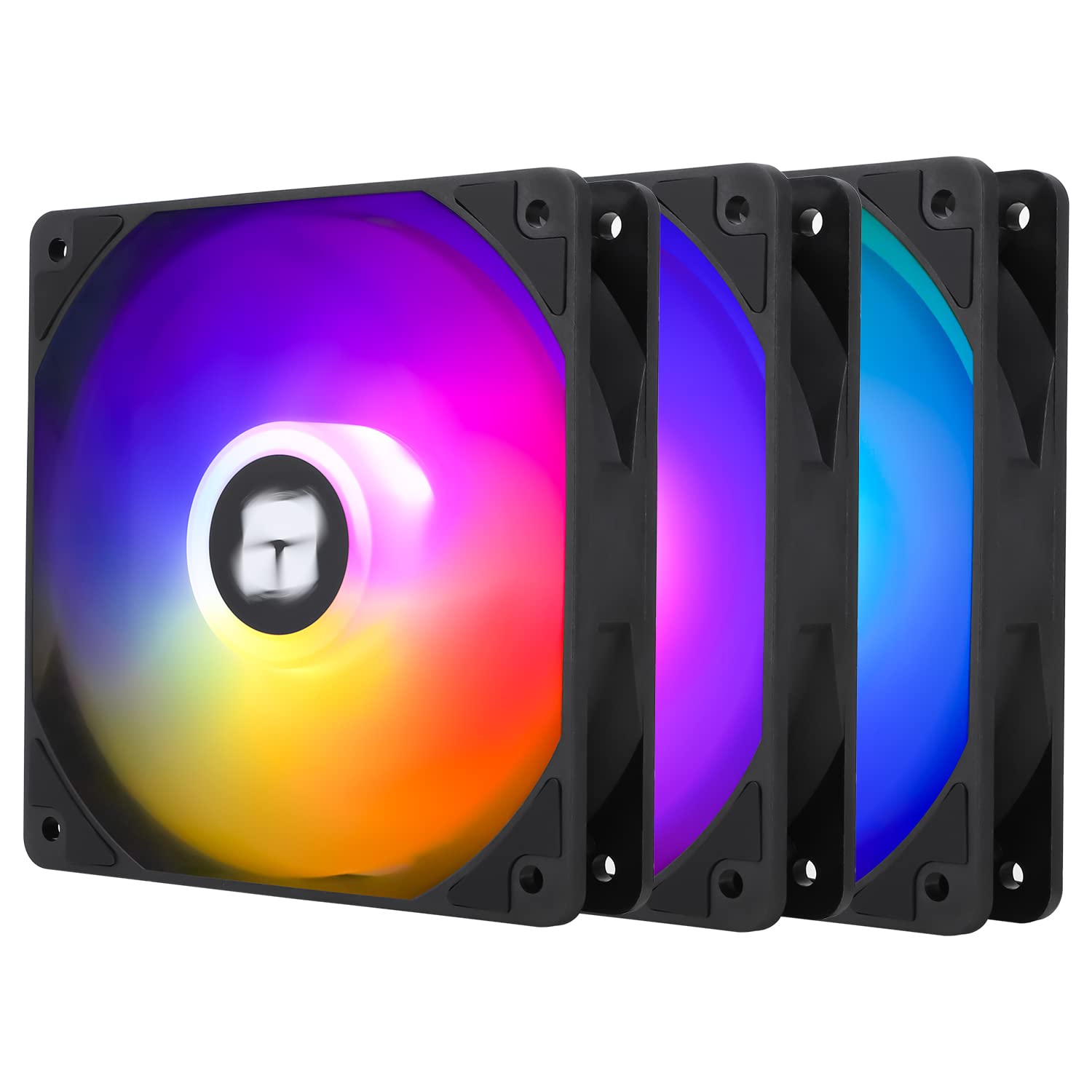
The TL-M12Q earns its position through one feature that either matters enormously to you or doesn’t matter at all: the infinity mirror ARGB effect. Rather than LEDs mounted in the fan frame, the TL-M12Q uses a mirror-within-a-mirror light chamber that creates a tunnel-depth visual effect. Owners consistently describe it as legitimately striking, and published press imagery confirms it punches well above its price bracket aesthetically.
Performance-wise, the TL-M12Q is a modest step up from the TL-C12C-S — manufacturer-rated at 1,800 RPM with a noise figure around 28 dBA. That extra headroom is useful if you’re running it on a radiator in a push configuration, where you want the option to spin up briefly under sustained load without immediately becoming audible. PCMag’s “Best PC Cooling Fans” guide (2025) notes strong airflow numbers for the price tier among fans in this RPM class.
The critical caveat: the TL-M12Q uses a daisy-chain ARGB topology, which means the fans connect to each other in sequence before looping back to the motherboard header. This is efficient for wiring but means you cannot easily split fans across multiple ARGB zones without breaking the chain. If your build’s lighting scheme requires independent zone control — say, top exhaust fans on one profile, front intake on another — confirm your header and software setup before committing.
Our take: The TL-M12Q is the right call if the infinity mirror effect is a deliberate part of your build aesthetic and you’re comfortable keeping all fans in one addressable chain. As a pure performance play without the aesthetic angle, the TL-C12C-S is simpler.
Thermalright
$10.38
In stock on Amazon
Check price on AmazonArctic P12 Pro PST — The Radiator Specialist with a Noise Tax
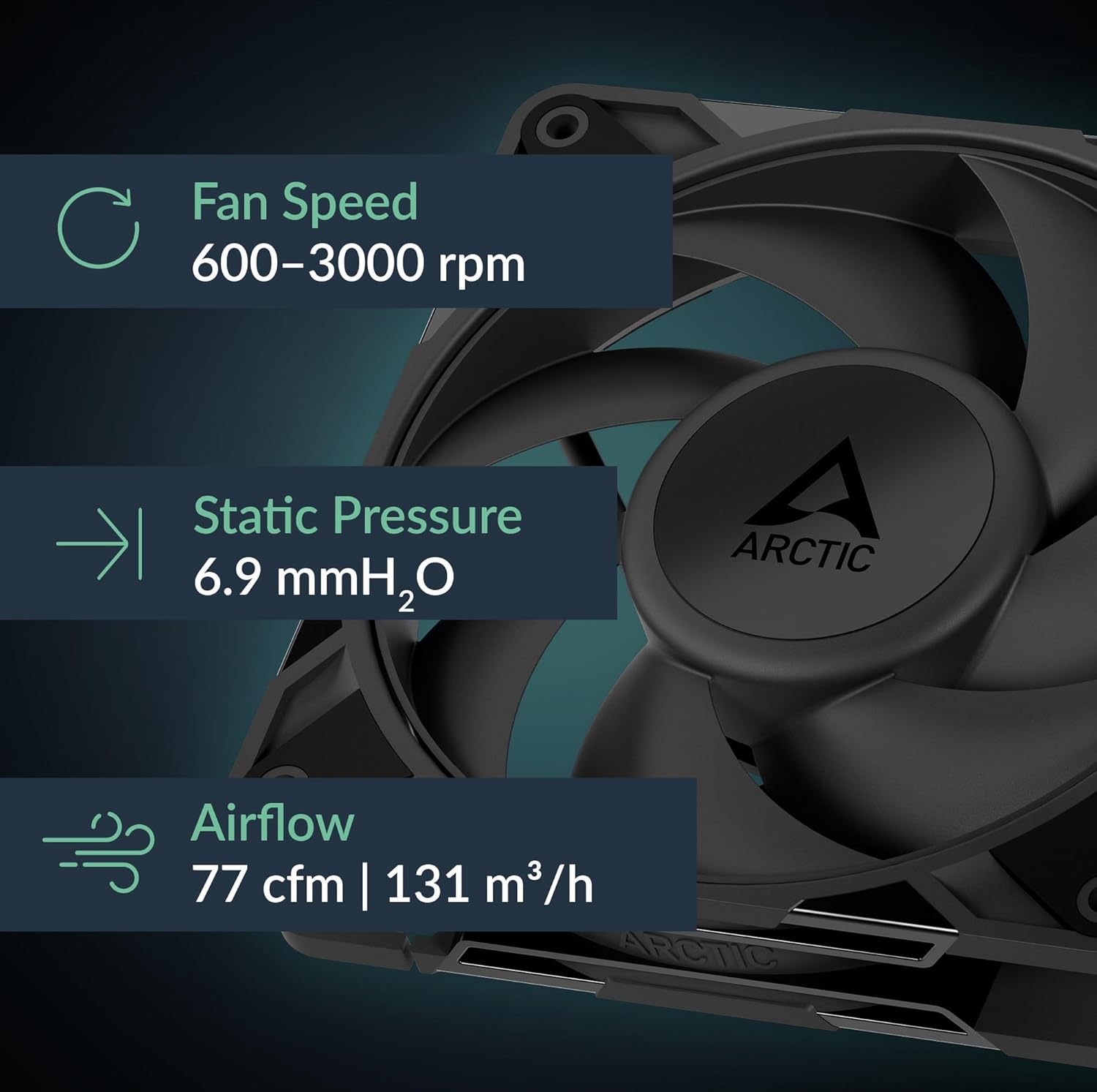
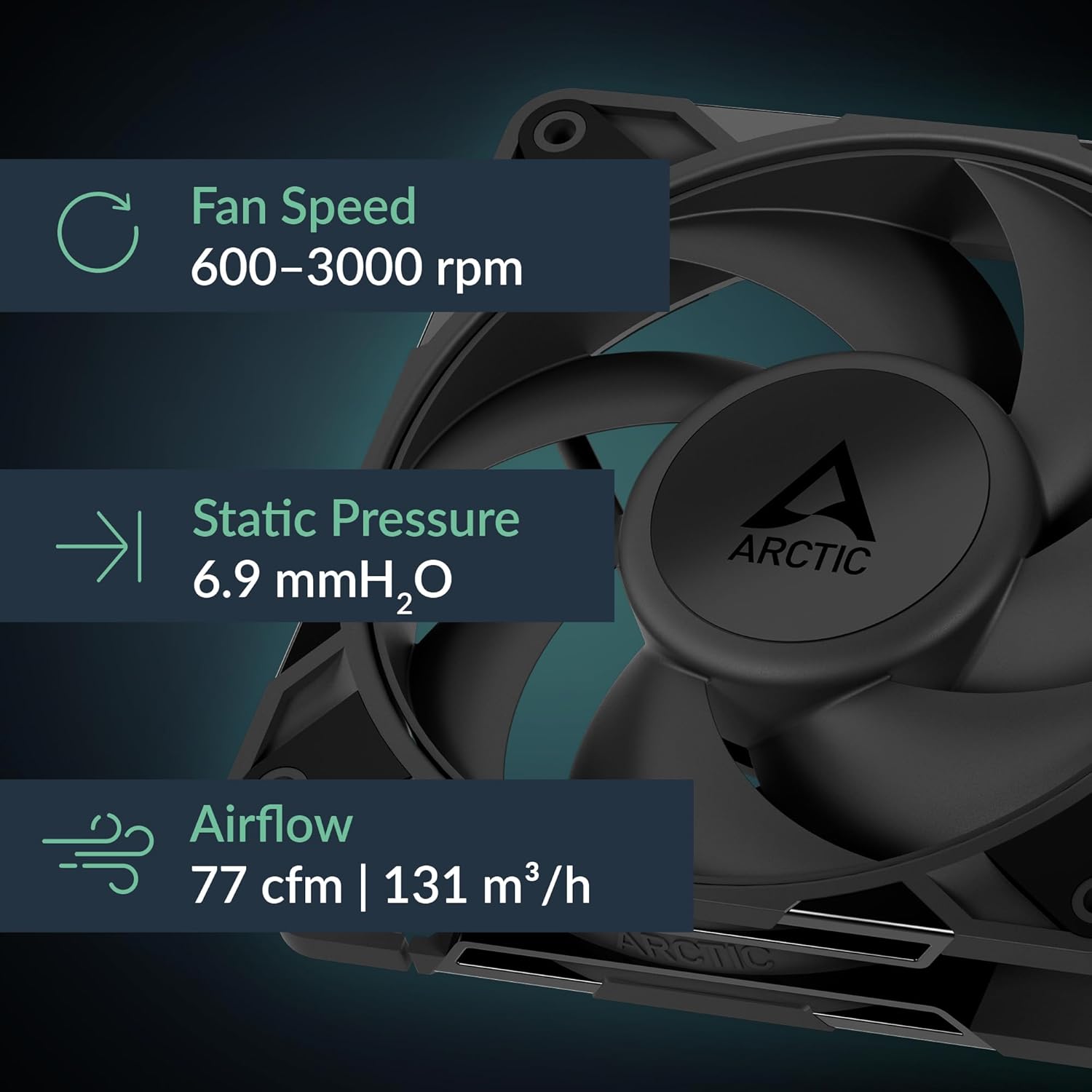
The Arctic P12 Pro PST has a reputation that’s split cleanly in two, and both halves are accurate. At roughly $5 per fan in multi-packs, it is genuinely exceptional value. KitGuru’s Arctic P12 Pro PST review (2024) notes competitive static pressure performance that makes it a legitimate choice for liquid cooling radiators. The PST (PWM Sharing Technology) daisy-chain for power means you can run multiple fans from one header without a separate splitter, which is an elegant solution for a 360mm radiator triple stack.
Then there’s the other half: a manufacturer-rated ceiling of 3,000 RPM. That’s not a typo. At full speed, the acoustic output at peak is aggressive, a point reinforced by both HardwareLuxx’s budget ARGB fan comparative overview (2025) and Tom’s Hardware’s 2025 roundup. The phrase “mandatory custom fan curve” appears in nearly every expert discussion of this fan. If you plug these in, cap the RPM in BIOS or your fan control software, and never let them run flat-out, you get strong radiator performance with decent acoustics. If you forget, you’ll know immediately.
The good news: because the P12 Pro is a PWM fan, throttling it is straightforward. Reviewer consensus, including TechPowerUp’s database notes, indicates that somewhere in the 1,200–1,500 RPM range the fan becomes genuinely quiet while still moving useful air. The ARGB variant adds addressable lighting without significantly changing the performance profile.
Our take: For a liquid cooling radiator where you control the curve, the P12 Pro PST is the highest airflow-per-dollar option in this shootout. For case ventilation where fans idle at ambient speeds for hours, the noise ceiling makes it a riskier fit unless you’re disciplined about curve configuration.
ARCTIC
$8.49
In stock on Amazon
Check price on AmazonBe Quiet! DARKROCK Fan — The Silent Specialist with a Hard Limit
The DARKROCK fan occupies a different position than the others: it’s optimized unambiguously for acoustics. At a manufacturer-rated ~25 dBA, it competes with the TL-C12C-S for the quiet end of this bracket. Rubber vibration dampening pads on the mounting corners reduce structure-borne noise transmitted through the case frame — a premium touch that HardwareLuxx’s comparative overview (2025) flags as a differentiator at this price level.
The hard limit — and it’s genuinely hard — is the 3-pin fixed-voltage connector. On motherboard headers that support DC fan control, you can vary voltage to reduce speed. But the DARKROCK is not a PWM fan, which means motherboards expecting 4-pin PWM signals cannot modulate it the way they would a modern fan. On many current boards, a 3-pin fan on a PWM header will simply run at full speed all the time, removing any thermal-responsive behavior. PCMag’s “Best PC Cooling Fans” guide (2025) frames this as a genuine purchasing consideration for builders on modern platforms.
There is no ARGB on the DARKROCK fan at the time of publication. If lighting is part of your build criteria, this fan exits the conversation immediately.
Our take: If your case’s fan headers are DC-compatible and acoustics matter more than lighting, the DARKROCK is worth the trade-off. If you’re on a modern board with primarily PWM headers — which describes most Z790, X670, and B650 motherboards — verify compatibility before buying.
Thermalright
$10.38
In stock on Amazon
Check price on AmazonDecision Framework: If X, Then Y
Here’s how to cut through the comparison quickly:
- If you want a reliable all-rounder with ARGB and minimum fuss → Thermalright TL-C12C-S. Proven hardware, included splitters, quiet enough for most builds.
- If aesthetics are a top priority and you want a showpiece fan → Thermalright TL-M12Q, provided you understand and accept the single-chain ARGB topology.
- If you’re cooling a liquid cooling radiator and you’ll configure a custom fan curve → Arctic P12 Pro PST. The airflow and static pressure at mid-RPM justifies the value; the noise ceiling is manageable if you control it.
- If acoustics are your primary metric and your headers support DC control → Be Quiet! DARKROCK. Accept no ARGB and confirm header compatibility first.
- If you’re on a modern AM5 or LGA1851 board and haven’t thought about 3-pin compatibility → Do not buy the DARKROCK without checking your specific motherboard’s fan header documentation.
ARCTIC
$27.49
In stock on Amazon
Check price on AmazonFrequently Asked Questions
Can I mix Thermalright TL-C12C-S and TL-M12Q fans on the same ARGB daisy chain? Technically both use standard 3-pin ARGB connectors, but the TL-M12Q’s daisy-chain topology is designed for same-model sequences. Mixing models may produce inconsistent lighting synchronization or break the chain’s addressable addressing. Most reviewers recommend keeping each model on its own ARGB channel if you’re mixing.
Do the Arctic P12 Pro PST fans work on a standard 4-pin PWM header without the Y-splitter? Yes. Each P12 Pro PST fan has a standard 4-pin PWM connector and functions normally on any compatible header. The PST daisy-chain connector is an additional pass-through that lets you chain fans for power sharing — it’s additive, not required.
At what RPM does the Arctic P12 Pro become acceptably quiet? Based on aggregated reviewer findings including KitGuru’s P12 Pro PST review (2024) and TechPowerUp’s published noise curve data, the P12 Pro enters the range most users describe as background noise — roughly 25–28 dBA — somewhere between 1,200 and 1,500 RPM. Setting a fan curve that caps maximum output at 1,400–1,500 RPM under typical load is the most common recommendation.
Are the DARKROCK fans compatible with PWM headers or will they always run at full speed? The DARKROCK uses a 3-pin DC connector. On a 4-pin PWM header, behavior depends on the motherboard: some boards can still apply DC voltage control to 3-pin fans on PWM headers; others will default to full-speed operation. Check your motherboard manual’s fan header documentation — this is not a fan limitation you can work around in software if the board doesn’t support it.
Is the Thermalright infinity mirror effect visible through a mesh front panel? Owner photos and press materials suggest the effect is visible through mesh panels, though with some diffusion compared to a glass panel. The depth-of-tunnel illusion is most dramatic viewed directly and at close range; through a fine mesh front panel at normal viewing distance it reads as a bright, layered ARGB glow rather than a full infinity effect.
How many Arctic P12 Pro PST fans can you safely chain on one header? Arctic’s published documentation and reviewer consensus — including notes from KitGuru’s P12 Pro PST review (2024) — generally recommend no more than three fans on a single PST chain from one header, staying within the header’s 1A current limit. Running a fourth fan risks exceeding header current capacity, which can damage the motherboard’s fan controller over time. Use a fan hub for four or more units.
Where we link to products, we may earn a small commission at no cost to you. It doesn’t change our picks.