If you’ve been building PCs for a year or two, you’ve probably figured out that the stock cooler that ships in the CPU box is fine for light use but starts to struggle the moment you actually push the chip. An AIO cooler — short for all-in-one liquid cooler — replaces that stock solution with a closed loop of liquid coolant, a pump block that sits on the CPU, a flexible tube, and a radiator (the flat, finned panel that mounts to your case) where fans exhaust the heat. The “240mm” designation means the radiator fits two 120mm fans side by side, which puts it in a comfortable middle ground: bigger and more capable than a single 120mm unit, less expensive and space-hungry than a triple-fan 360mm slab. For a Ryzen 7 or Core i7 class chip running anything from gaming to light content creation, the 240mm form factor is genuinely the right tool most of the time. What this guide does is help you figure out which 240mm AIO earns your money — and where the marketing budget inflates the price without improving your thermals.
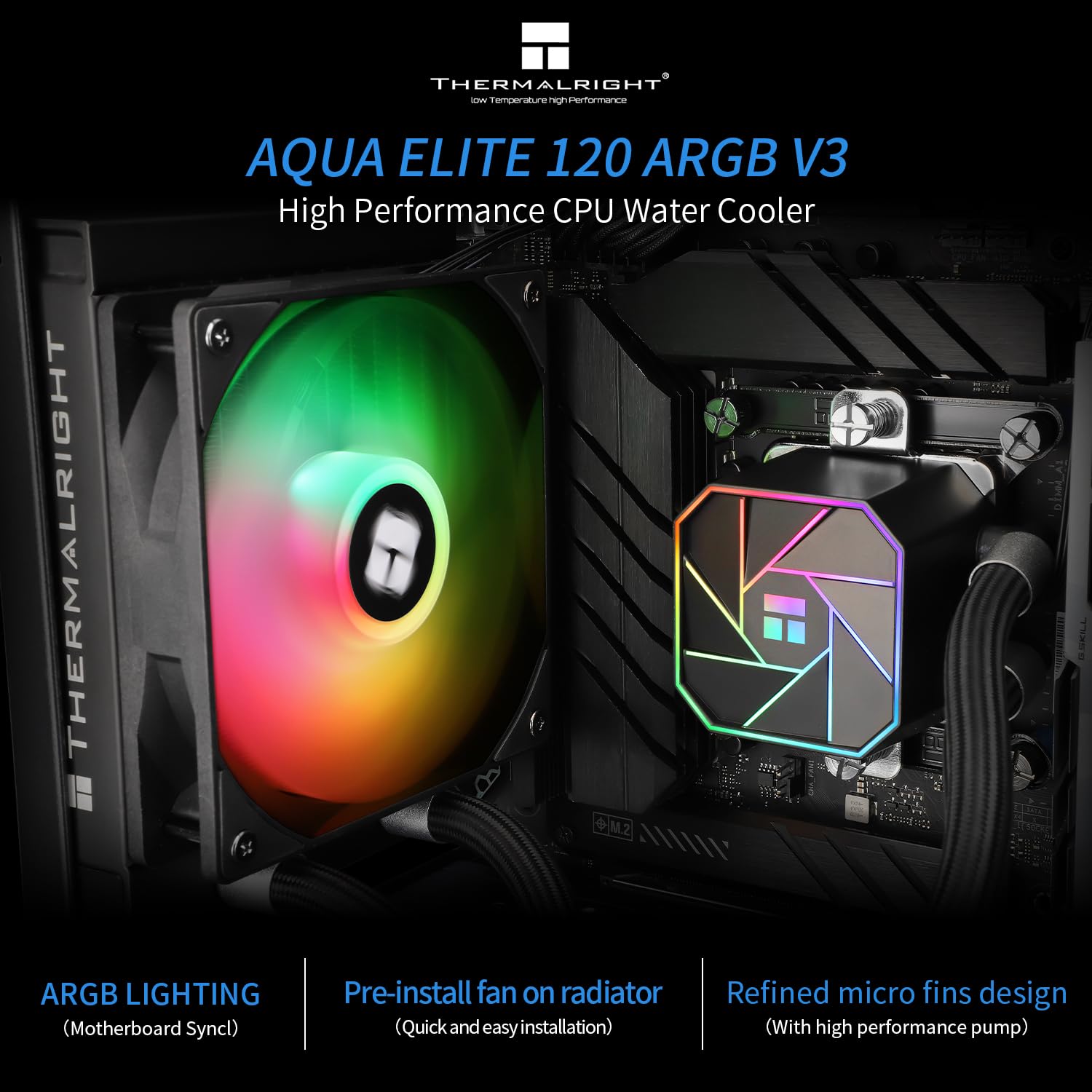
| EDITOR'S PICKARCTIC Liquid Freezer III Pro 2… | Mid-tierCooler Master Elite Liquid 360… | Budget pickThermalright Aqua Elite 120 V3… | |
|---|---|---|---|
| Radiator size | 240 mm | 360 mm | 120 mm |
| Included fans | — | 3 | — |
| Fan lighting | — | ARGB | ARGB |
| Pump design | PWM pump | Dual-chamber | — |
| VRM fan | ✓ | — | — |
| Contact frame | ✓ | — | — |
| Sockets | AM5/AM4, LGA1851/1700 | AM5/AM4, LGA1851/1700 | AM4/AM5, LGA1150/1200/1700/1851 |
| Price | $70.49 | $49.99 | $34.59 |
| See on Amazon → | See on Amazon → | See on Amazon → |
The 240mm Landscape in Mid-2026: What the Market Actually Looks Like
The 240mm AIO category spans roughly $60 to $160 at retail right now, and the spread tells an interesting story. The structural cost of a 240mm AIO — pump, cold plate, radiator, two fans, tubes, fittings, and firmware if it has a display — doesn’t change dramatically between brands. What moves the price needle is primarily: cold-plate engineering quality, fan acoustic profile, and the intelligence layer (addressable RGB controllers, embedded OLED screens, software ecosystem lock-in).
Tom’s Hardware’s ongoing AIO roundup notes that noise-normalized performance — meaning how much cooling you get per decibel of fan noise — clusters tightly between $80 and $130, with diminishing returns above that threshold. The $60–$75 segment is where you start seeing compromises in pump longevity and fan bearing quality. The $140+ segment is largely buying a feature layer: an OLED pump-head display, a deeper RGB ecosystem, or a brand premium.
By the numbers — approximate 2026 retail tiers:
| Price Band | What you’re mostly paying for |
|---|---|
| $60–$79 | Baseline cooling, bundled fans of variable quality |
| $80–$109 | Noise-normalized sweet spot; better fans, copper cold plate |
| $110–$130 | Premium fan profiles, improved cold-plate contact area |
| $130–$160+ | Display heads, ecosystem software, aesthetics layer |
The honest implication: if your goal is lowest delta-T (temperature difference between CPU and ambient air) under sustained load, you don’t need to spend above $110 in the 240mm category. If you want a clean build with a pump-head OLED showing CPU temp and RPM — and that matters to you — the premium is real but it’s an aesthetic spend, not a thermal one.
Where to Spend: The Components That Actually Move Thermals
Cold Plate Quality
The cold plate is the copper (or nickel-plated copper) surface that physically touches your CPU’s integrated heat spreader. This is the single highest-leverage component in the loop. A poorly machined flat plate with inadequate micro-fin density throttles the entire system before the liquid has even reached the radiator.
Igor’s Lab’s analysis of pump-and-cold-plate efficiency in 240mm AIOs identified cold-plate contact area and micro-fin channel depth as the two variables most correlated with low junction temperatures, particularly on CPUs with centralized heat sources like AMD’s Ryzen 7000 series on AM5. Manufacturers like Cooler Master (the MasterLiquid 360 Atmos cold plate design has trickled into their 240mm SKUs), ASUS ROG, and Corsair have all invested in this area — their published specifications name copper micro-channel construction explicitly, which is the language you’re looking for when comparing spec sheets.
Don’t save here. A $15 difference between a unit with a stamped flat copper plate and one with a machined micro-fin cold plate will cost you 3–6°C under sustained Prime95 or Cinebench loads. On a Ryzen 7 9700X or Core i7-14700K running near TDP limits, that margin is real thermal headroom.
Fans
This is where mid-range AIO buyers most consistently leave performance on the table. Many AIOs in the $75–$95 range ship with generic bundled fans that are entirely adequate at 100% RPM but become acoustically unpleasant above 1,400 RPM and have mediocre static pressure — the fan characteristic that matters for pushing air through a radiator’s dense fin stack, as opposed to open airflow.
PCMag’s liquid cooler roundup consistently distinguishes between AIOs that shine on specs but underperform in real-world quiet-build scenarios because the bundled fans are the weak link. The pattern across aggregated reviews is that Noctua NF-A12x25 fans or Arctic P12 PWM PST fans, swapped onto an otherwise modest radiator, close most of the acoustic gap with premium AIOs costing $40 more.
If you’re buying in the $80–$100 range, budget $25–$35 for fan replacement. The total cost stays below $130, the acoustic profile improves materially, and you retain the better cold plate and pump from the mid-tier AIO.
Where to Save: The Premiums That Don’t Move Thermals
RGB and Display Ecosystems
Let’s be direct: a pump-head OLED display, per KitGuru’s review of the ASUS ROG RYUJIN III 240, adds roughly $40–$50 to the retail price of an otherwise competitive 240mm unit. The RYUJIN III’s thermal performance in that review was rated “excellent for a 240mm” — and it is — but the competing Cooler Master and Arctic units in the same thermal tier cost $50 less with no meaningful difference in delta-T at matched fan speeds.
If a pump-head display showing your CPU temp is genuinely important to you — and for a tempered-glass showcase build, it might be — that’s a defensible spend. Just go in clear-eyed: you’re paying for the display, not the cooling.
Sleeve Bearing Fans (a hidden save opportunity)
Many budget AIOs quietly ship sleeve-bearing fans instead of fluid-dynamic bearing (FDB) or double-ball-bearing fans. Sleeve bearings are quiet initially but degrade faster, particularly in a vertical mount orientation. HardwareLuxx’s 2025 comparative AIO roundup flagged bearing type as an underreported spec difference with long-run reliability implications. You won’t feel it in year one. You might in year three.
Saving $20 on an AIO that uses sleeve-bearing fans, when you’re protecting a $350–$500 CPU, is a false economy. Check the fan specs — FDB or dual-ball-bearing is what you want.
Fancy Tubing and Fittings
Braided tubing, sleeved tubes, rotatable fittings — these add cost and are almost entirely aesthetic in a 240mm closed loop. Thermal and pump-pressure differences are negligible. Save here confidently.
The Compatibility Layer: Don’t Skip This
This is the most practical section of the article, because compatibility mistakes are the number-one source of buyer’s remorse in the AIO category.
Socket support. As of mid-2026, the mainstream sockets are Intel LGA1851 (Core Ultra 200 series), LGA1700 (12th–14th gen), and AMD AM5 (Ryzen 7000/9000 series). Almost every current-generation 240mm AIO supports all three, but verify explicitly. Some units shipping with older mounting hardware require a separate bracket kit for LGA1851 — manufacturers like Corsair and NZXT have been providing these as free add-ons or bundled in retail boxes; confirm before purchase.
Radiator clearance. “240mm radiator” means the radiator is 240mm long and 120mm wide, but total thickness including fans varies from roughly 45mm to 60mm depending on fan and radiator fin depth. Measure your case’s front or top mounting position carefully. In a mid-tower with a 240mm top mount rated for 45mm max thickness, a 52mm assembled radiator won’t clear the motherboard’s VRM heatsinks or memory slots without modification.
Tom’s Hardware’s cooler review template consistently includes radiator + fan stack dimensions as a headline spec for exactly this reason — it’s worth cross-referencing their roundup entries for the specific unit you’re considering before ordering.
RAM clearance. For top-mount radiator installation (common in mid-towers), pump-head orientation and tube routing may physically conflict with tall memory modules — anything over ~40mm in height. If you’re running high-profile RGB DIMMs, front radiator mounting is generally cleaner.
The Decision Framework: If X, Then Y
Rather than a ranked list, here’s the explicit tradeoff map for the most common mid-range build scenarios:
If your CPU is a Ryzen 7 or Core i7 at or near stock TDP, and thermals are your only criterion: → Spend $85–$100 on a unit with a micro-fin copper cold plate and FDB fans. Arctic Liquid Freezer III 240 and Cooler Master MasterLiquid 240 Atmos both appear repeatedly in Tom’s Hardware and HardwareLuxx noise-normalized benchmarks at this tier. Add Arctic P12 fans if the bundled fans disappoint.
If you’re running a Core i9 or Ryzen 9 at high all-core sustained loads (sustained >200W): → A 240mm AIO is functional but close to its ceiling. Owners consistently report thermal throttle events under long Prime95 workloads on 240mm units that a 360mm handles without complaint. Budget for a 360mm or a premium air tower instead; this is where the 240mm form factor genuinely caps out.
If aesthetics and thermal performance are equally weighted (glass-panel showcase build): → The $130–$150 tier — ASUS ROG RYUJIN III 240, Corsair iCUE Elite Capellix 240 — is justifiable. You’re paying for the display and RGB ecosystem, and you’re getting competitive thermals. Just don’t expect measurably lower temps than an Arctic unit at half the price.
If long-run reliability in a workstation or homelab context is paramount: → Prioritize pump warranty length (5 years is the standard floor; some units offer 6) and documented cold-plate copper construction. NZXT Kraken units and Corsair’s Elite Capellix line have consistent multi-year owner reports in workstation contexts. The premium here is legitimate for sustained-uptime use cases.
If you’re on a hard $80 budget: → The Arctic Liquid Freezer III 240 is the unit that aggregated reviews point to most consistently at this price point as the value anchor. Its cold-plate design and included fan quality punch above its price, per both Tom’s Hardware and PCMag coverage. This is where you can buy it:
The 240mm AIO market in 2026 is mature and competitive — genuinely good cooling is available at $85, and the extra $50–$75 above that buys features, not fundamentally better thermals. Know which of those you’re actually after, cross-check radiator clearance before you order, and you’ll land a unit that pulls your CPU temps down without drama.
Here’s where to buy the options mentioned above. If you click through, we may earn a small commission — it doesn’t change our picks.