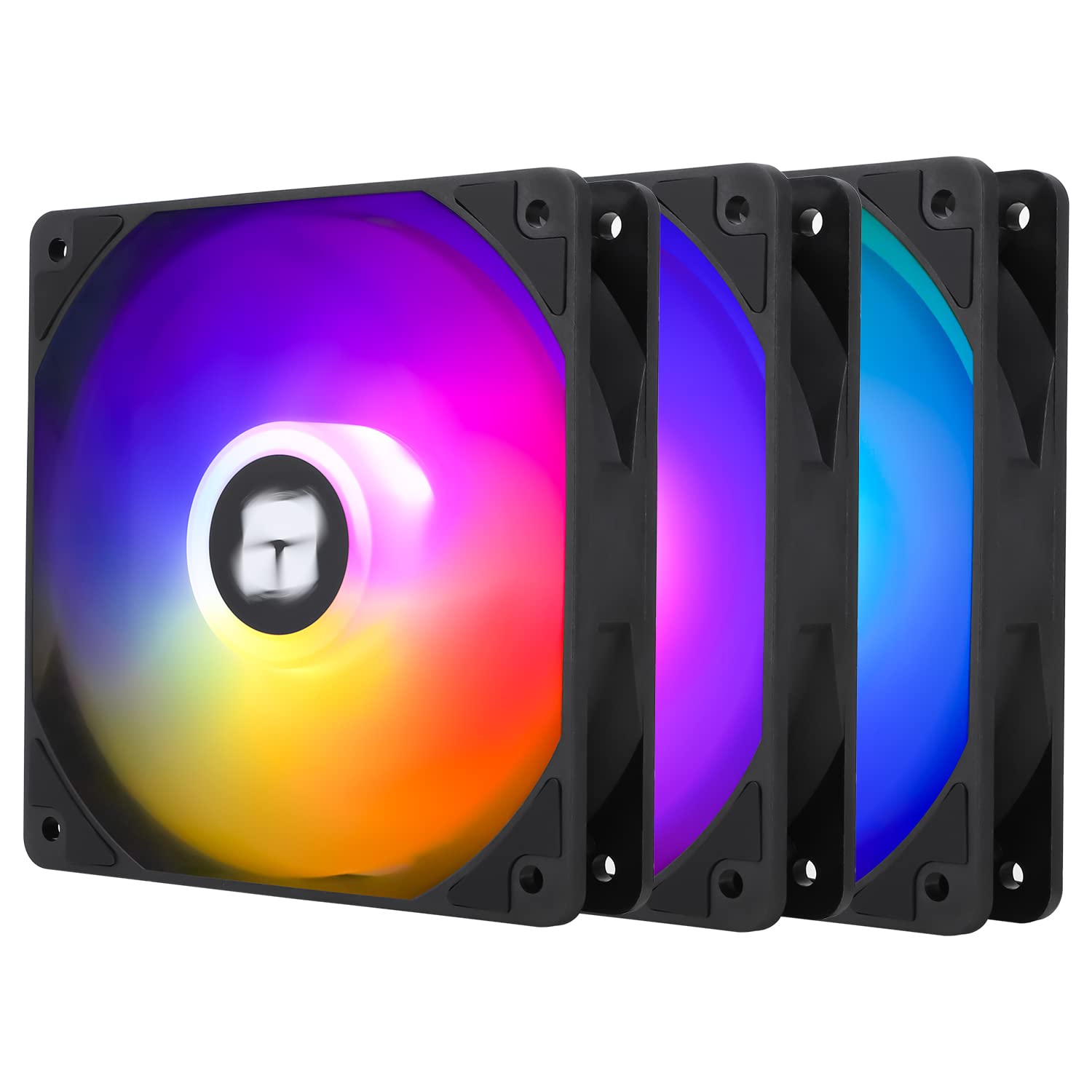
If you’ve ever bought a “high-airflow” case fan only to wonder why your CPU temperatures barely budged, you’ve stumbled onto one of PC building’s most practical distinctions: not all fans are optimized to do the same job. A case fan is simply a 120mm (or other diameter) electric fan mounted to your chassis or radiator to move air through the system. But the way a fan moves air matters enormously depending on where it’s installed. A fan sitting in an open intake slot pushing against almost no resistance needs a different blade geometry than a fan bolted against a dense radiator fin stack — where it has to push through that resistance. This guide breaks down exactly that tradeoff — static pressure versus airflow, how noise enters the equation, and whether paying extra for addressable RGB (ARGB) lighting actually makes sense for your build. By the end, you’ll have a clear decision rule, not just a list of names.
| EDITOR'S PICKCORSAIR RS120 ARGB 120mm PWM Fa… | Mid-tierNoctua NF-P12 redux-1700 PWM | Budget pickDARKROCK 3-Pack 120mm Black Com… | |
|---|---|---|---|
| Pack Count | 3 | 1 | 3 |
| Max RPM | — | 1700 | 1200 |
| Bearing Type | Magnetic Dome | — | Hydraulic |
| ARGB Lighting | ✓ | ✗ | ✗ |
| PWM Control | ✓ | ✓ | ✗ |
| Connector | — | 4-Pin | 3-Pin |
| Price | $31.34 | $16.45 | $8.99 |
| See on Amazon → | See on Amazon → | See on Amazon → |
Static Pressure vs. Airflow: The Core Tradeoff
These two terms describe how a fan’s blade geometry and motor are tuned, and confusing them is the single most common mistake intermediate builders make.
Airflow (CFM — cubic feet per minute) measures how much air a fan can move when there’s essentially no obstruction. High-airflow fans have wide-swept, open blades that maximize volume throughput. They shine in unrestricted positions: front or top intakes and exhausts in a mesh-panel case, or moving air across a large open heatsink array. Put one against a 360mm radiator and you’ll lose a significant chunk of that performance because the dense fins create resistance the blade geometry isn’t designed to overcome.
Static pressure (measured in mm H₂O) describes a fan’s ability to push or pull air against resistance. Static-pressure fans use narrower, more cupped blades — often with tighter tip clearances — that sacrifice raw volume for the force needed to push through radiator fins, dense heatsink stacks, or filtered intakes. Hardware Luxx’s 120mm Fan Shootout: Static Pressure vs. Airflow at Fixed RPM consistently shows that a static-pressure fan rated at 2.0+ mm H₂O can sustain meaningful airflow through a 30 FPI (fins per inch) radiator where a high-CFM fan visibly drops off.
The practical rule of thumb: if there’s anything blocking the air path — a radiator, a heatsink cooler with tightly-spaced fins, or a dust filter — reach for a static-pressure fan. If air can flow freely, a high-airflow fan gives you better CFM per dB.
Representative published specs at 1200 RPM normalized:
| Fan | Type | Airflow (CFM) | Static Pressure (mm H₂O) | Noise (dBA) |
|---|---|---|---|---|
| Noctua NF-A12x25 | Balanced / SP | 60.1 | 2.34 | 22.6 |
| be quiet! Silent Wings 4 120mm | Airflow-biased | 52.7 | 2.17 | 18.8 |
| Arctic P12 PWM PST | Static Pressure | 56.3 | 2.20 | 22.5 |
| Lian Li Uni Fan SL120 RGB | Balanced | 54.6 | 1.86 | 27.9 |
Specs drawn from manufacturer datasheets and corroborated by reviewers at Tom’s Hardware and TechPowerUp. Noise figures vary by test methodology; treat relative differences as more reliable than absolute values.
The NF-A12x25 is routinely cited in Tom’s Hardware’s best-fan roundup as the benchmark for 120mm performance precisely because its static-pressure and airflow figures are both competitive — it doesn’t force you to choose a position before you buy. That versatility comes at a price: it typically retails around $30–$35 as a single unit at the time of publication.
Where Noise Fits In — and Why dBA Alone Is Misleading
Every fan sounds different at the same decibel rating. Noise is measured in dBA (A-weighted decibels, calibrated to how the human ear perceives loudness), but dBA doesn’t capture tonal character. A fan running at 25 dBA can emit an irritating high-frequency whine, a low-frequency hum, or — ideally — a neutral broadband “whoosh” that your brain filters out within minutes. Igor’s Lab’s Fan Bearing Longevity and Acoustic Profile Analysis makes this distinction explicitly, noting that fluid-dynamic bearing (FDB) fans tend to produce tonally neutral profiles that subjectively feel quieter than their measured dBA, while cheaper sleeve-bearing fans can develop resonant tones as they age.
For builders prioritizing silence, three factors matter more than the dBA number alone:
-
Bearing type. FDB (fluid dynamic) and rifle bearings last longer and run quieter than sleeve bearings across temperature ranges. Noctua’s SSO2 (second-generation self-stabilizing oil-pressure) bearing and be quiet!‘s fluid-dynamic bearing are both praised in KitGuru’s Noctua NF-A12x25 vs. be quiet! Silent Wings 4 120mm Comparative Review for near-inaudible operation at mid-RPM.
-
PWM control range. A fan that can slow to 300–500 RPM at idle is acoustically invisible. Check the minimum PWM duty cycle spec — fans that only go down to 800 RPM may be audible in a quiet room even at “low” load.
-
Blade count and tip clearance. More blades with tighter housing tolerances generally produce a smoother, less tonal profile. KitGuru’s comparative review notes that the NF-A12x25’s 7-blade design combined with close-tolerance housing contributes to its tonal neutrality.
For the intermediate builder: if you’re specifying a sleeping-room workstation or a near-silent home server, budget for FDB fans and verify the minimum RPM. The Arctic P12 at roughly $8–$12 per unit offers FDB at a price point that makes multi-fan buildouts budget-friendly — PCMag’s Best PC Case Fans guide has flagged it as a value pick for exactly this reason.
ARGB: Performance Tax or Worthwhile Upgrade?
Let’s be direct about the tradeoff: ARGB lighting — individually addressable LEDs that let you run color animations synced to your motherboard’s lighting ecosystem — adds cost and complexity without contributing a single CFM to your airflow.
The cost premium is real. The Lian Li Uni Fan SL120 RGB retails at roughly $20–$25 per fan when purchased in packs, compared to the Arctic P12’s $8–$12. TechPowerUp’s Lian Li Uni Fan SL120 RGB Review notes competitive thermal performance, but finds the fan’s acoustic profile at higher RPM noticeably louder than the Noctua or be quiet! alternatives at equivalent speeds — a tradeoff the reviewer attributes partly to the LED assembly affecting blade weight and balance tolerances.
There are also ecosystem lock-in considerations. Lian Li’s daisy-chain interconnect system is genuinely elegant and reduces cable clutter dramatically, but it commits you to Lian Li fans if you want consistent lighting across the chassis. These ecosystems work beautifully when you’re all-in — and they’re a mess if you’re mixing brands.
When ARGB is worth it:
- You’re building inside a tempered-glass case and the visual result is a meaningful part of your build’s purpose.
- You’re already invested in a lighting controller ecosystem and want consistent sync.
- You’re buying in a 3-pack where per-fan pricing closes the gap with non-RGB alternatives.
When ARGB is not worth it:
- The case has an opaque side panel and nobody will see the fans anyway.
- You’re building a workstation or NAS where the primary metric is thermal reliability and acoustic profile over a 3–5 year duty cycle.
- You’re on a tight budget — that $12–$15 per-fan savings across a 6-fan build is $72–$90 you can redirect to a better cooler or more RAM.
Picking the Right Fan for Your Situation
Here’s the decision framework. Match your use case to the fan type, then optimize within budget. The three tiers below map to the most common builder profiles we see, and each is followed by a tier marker so you can jump straight to the relevant recommendation.
Budget All-Around Builds and Radiator Duty on a Tight Budget
The Arctic P12 PWM PST is the defensible budget pick for both radiator-mounted and general-purpose use. Per the published spec comparisons in Hardware Luxx’s 120mm Fan Shootout, it competes with fans costing two to three times as much in high-resistance scenarios. The PST (PWM Sharing Technology) variant supports daisy-chaining, reducing motherboard fan header congestion in multi-fan builds. In a 5-pack it brings the per-fan cost to roughly $7–$9, which PCMag’s Best PC Case Fans guide and Tom’s Hardware’s best-fan roundup both cite when the constraint is value. FDB bearing included at this price tier is genuinely unusual and worth calling out.
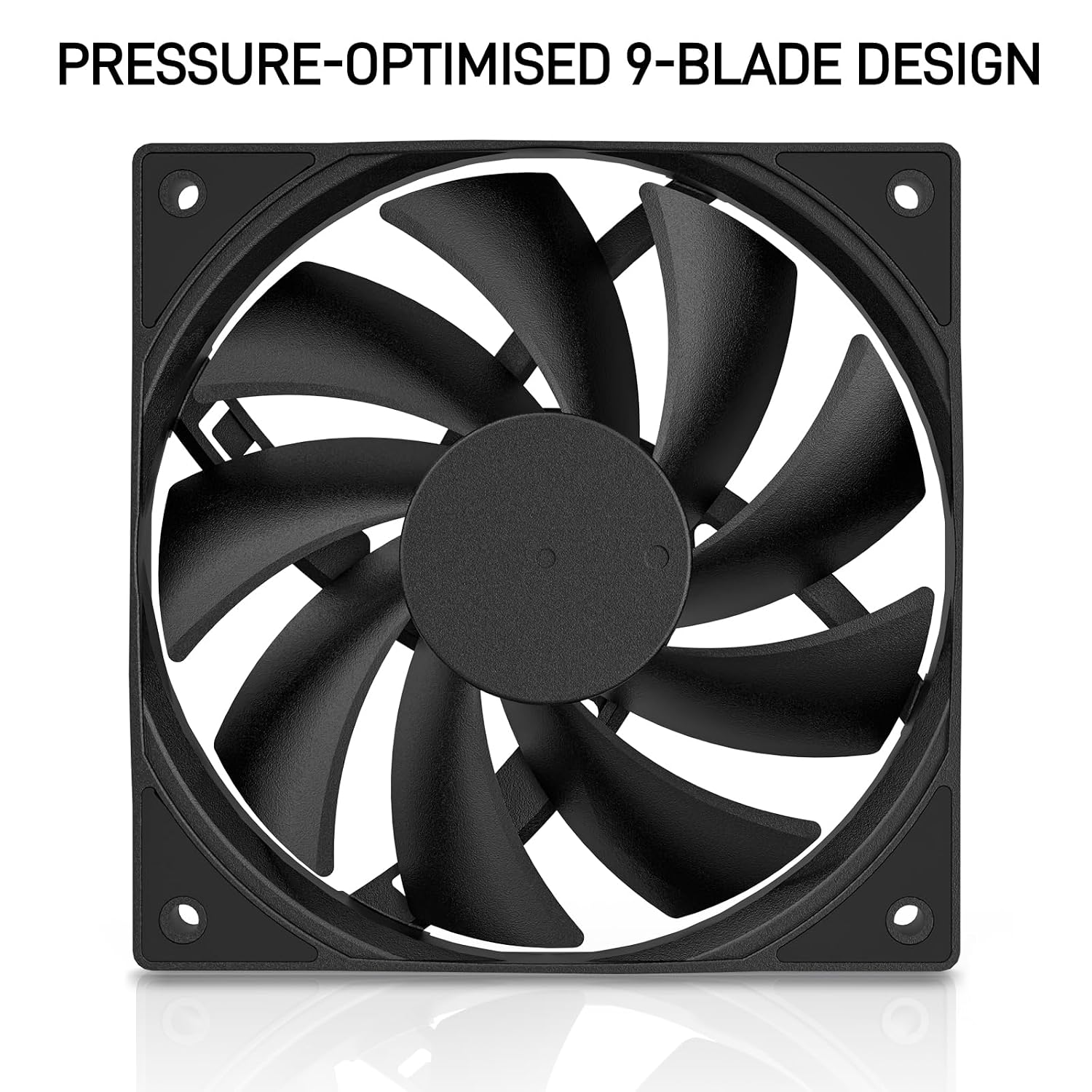
DARKROCK
$8.99
In stock on Amazon
Check price on AmazonMid-Tier Balanced Builds: Open Mesh Cases and Acoustic Priority
Two fans compete at this level depending on your primary constraint.
For open-mesh intake and exhaust slots, the be quiet! Silent Wings 4 120mm earns consistent praise in KitGuru’s comparative review for combining strong open-air CFM with genuinely low noise. At roughly $20–$25 per fan, it is competitive with Noctua on a performance-per-dollar basis specifically in unrestricted positions, and its FDB bearing with sub-500 RPM minimum speed makes it appropriate for near-silent workstation builds.
For design-forward showcase builds at a mid-range price, the Lian Li Uni Fan SL120 RGB in a 3-pack brings per-fan pricing down to a range where the ARGB premium is more defensible. Accept the modest acoustic compromise documented in TechPowerUp’s Uni Fan SL120 RGB Review, invest in the L-Connect controller ecosystem upfront, and buy all your fans at once to ensure consistent lighting zones.
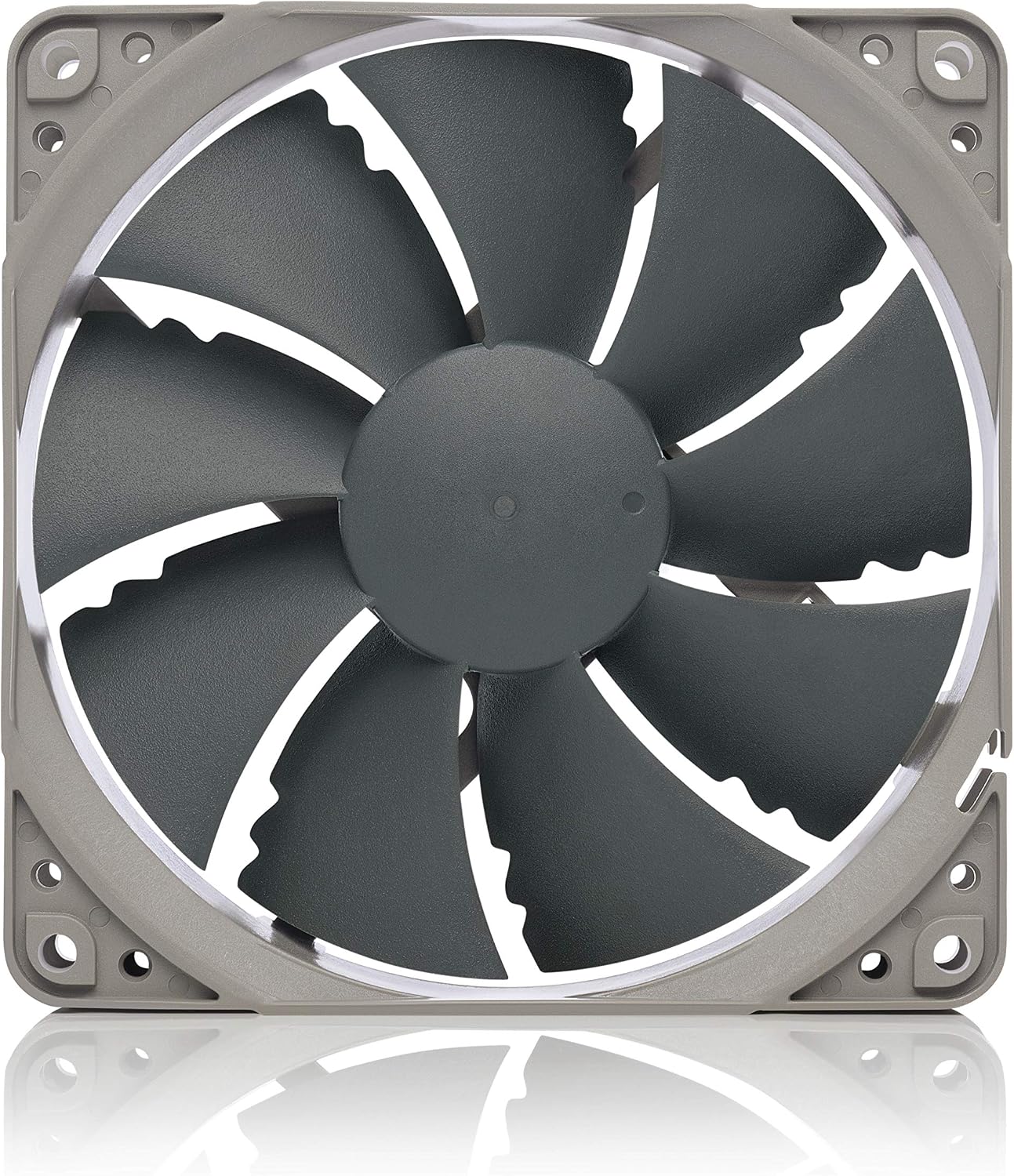
Noctua
$16.45
In stock on Amazon
Check price on AmazonPremium Reference-Class Performance
The Noctua NF-A12x25 remains the reference-class pick that Tom’s Hardware’s best-fan roundup has described as “the fan most 120mm fans are measured against.” Its static-pressure and airflow figures are both competitive at 1200 RPM — 60.1 CFM and 2.34 mm H₂O — meaning it functions well whether mounted to a radiator or sitting in an open intake slot. Igor’s Lab’s acoustic analysis places FDB-style bearings like Noctua’s SSO2 at the top of the tonal-neutrality ranking, and KitGuru’s comparative review confirms near-inaudible operation at mid-RPM. At $30–$35 per fan, it is expensive for a multi-fan buildout, but for a single critical position — a CPU cooler or a primary radiator — the performance ceiling justifies the price.
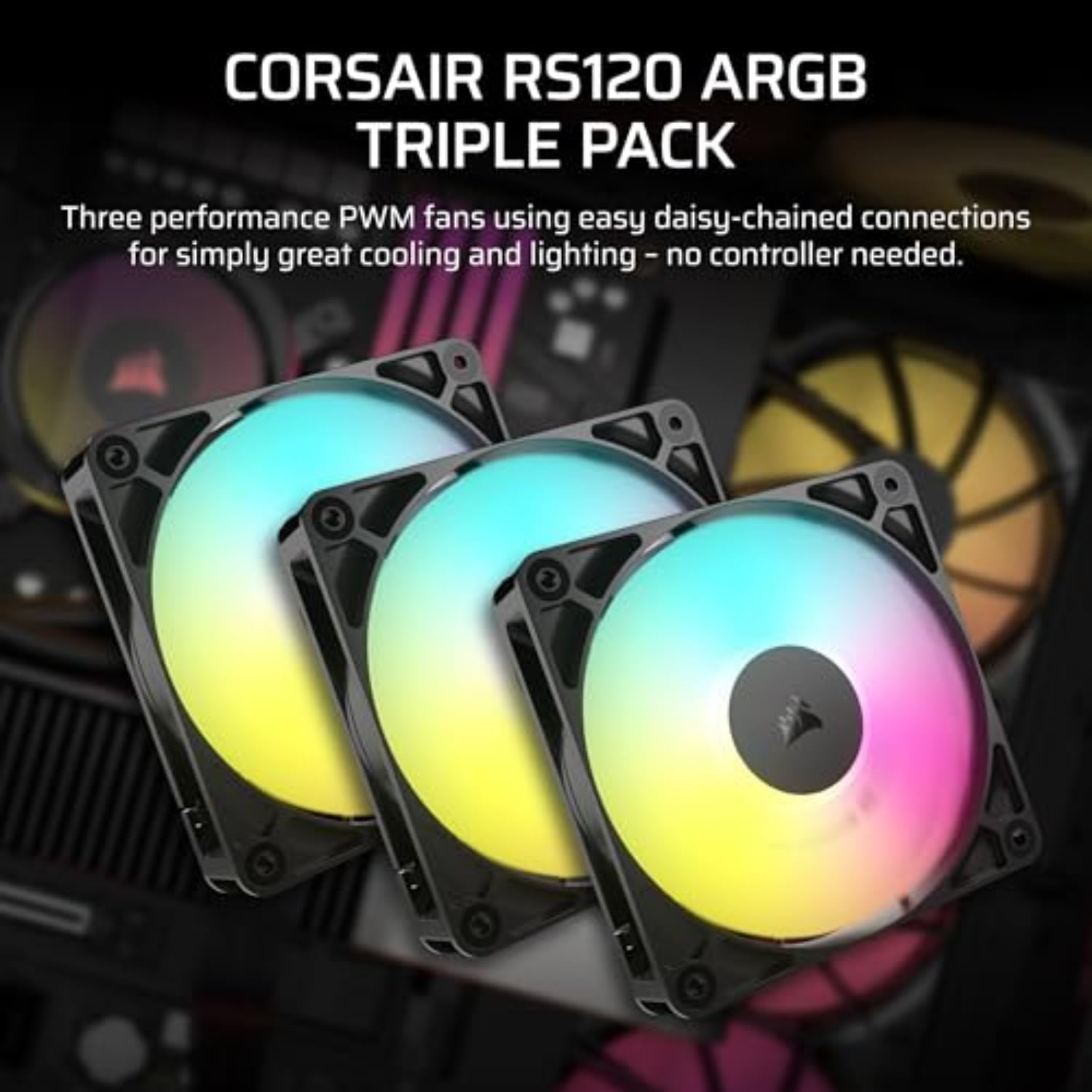
CORSAIR
$31.34
In stock on Amazon
Check price on AmazonThe “If X, Then Y” Decision Rule
Pull this out when you’re finalizing your parts list:
- If you’re mounting fans to a radiator → buy Arctic P12 PWM PST (budget) or Noctua NF-A12x25 (premium). Static pressure is non-negotiable here.
- If you’re filling open intake/exhaust slots in a mesh case → buy be quiet! Silent Wings 4 120mm. Airflow-biased blades earn their spec advantage in this position.
- If near-silence is your primary requirement → filter first by bearing type (FDB only) and minimum PWM RPM (under 500 RPM), then compare dBA. The NF-A12x25 and Silent Wings 4 are the two names that consistently surface in both Tom’s Hardware and KitGuru reviews.
- If you’re building a showcase with a lighting ecosystem → Lian Li Uni Fan SL120 RGB in a 3-pack. Budget the controller cost upfront and buy all fans in the same purchase to avoid revision headaches.
- If you’re buying 4+ fans on a tight budget → Arctic P12 PWM PST 5-pack. The per-fan cost at roughly $7–$9 is hard to argue with at this performance tier.
One last note: fan placement logic stacks. Many builds benefit from mixed fan populations — static-pressure fans on the radiator, high-airflow fans on front and top panels. There’s no rule that every fan in a chassis has to be the same model. Match the fan to the position, not to some impulse toward uniformity.
Affiliate disclosure: product links above are part of our affiliate program. If you purchase through them we may earn a small commission at no additional cost to you. It does not influence our recommendations.